
Checklist · Home & moving
Getting an Apartment Ready for a Remote Worker Roommate: Checklist
What to buy and agree on when a roommate works from home in your Kigali apartment: desk, chair, internet backup and shared space rules.
Updated November 27, 2026 · By Isokko
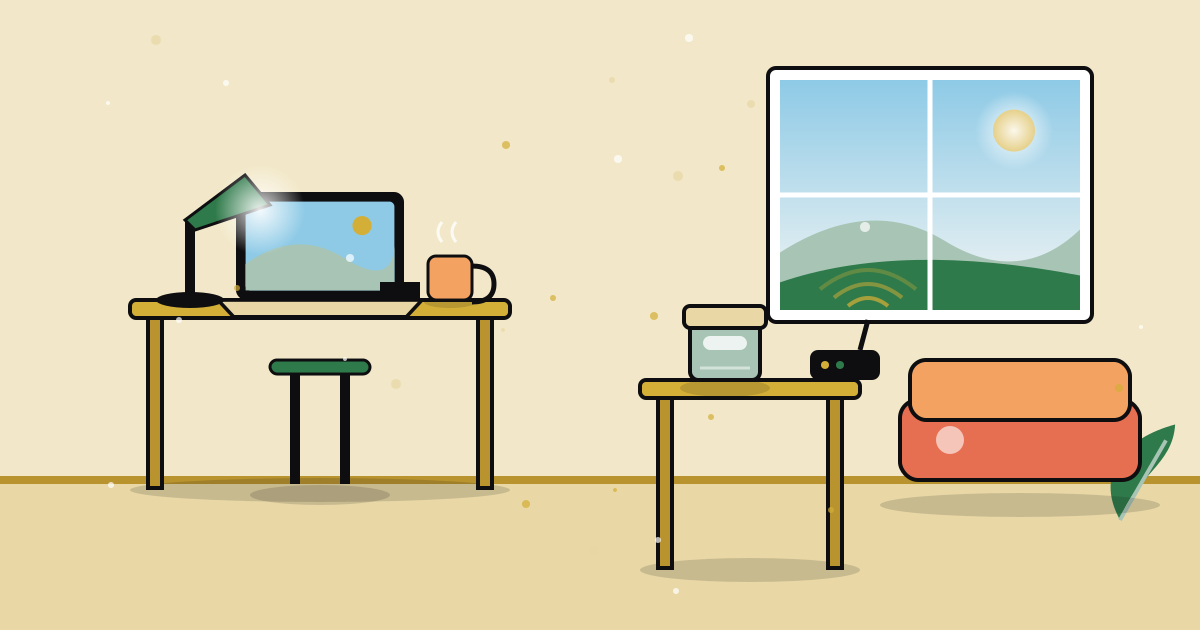
When one person in a shared apartment works from home, the home becomes an office too. Noise, power cuts, slow internet and a shared kitchen can turn small things into big arguments. A short plan and a few purchases prevent most of it.
This checklist covers the desk and chair, internet and power backup, sound and light, the shared rules and the little extras that keep both of you comfortable. It works whether you are the worker or the roommate.
Talk first, then shop. The best purchase is often a simple agreement on hours and quiet.
Who it's for
People sharing an apartment or house in Kigali with someone who works from home
Time needed
One conversation, then one weekend to set up
When to shop
Before the roommate starts working from home, ideally a week ahead
On the list
31 items, 11 must haves
0 of 31 ready
Shared space rules
Agree these before you buy anything. They cost nothing and solve most problems.
Notebook for house rules
1 Must haveWriting down work hours, quiet times, guests and calls helps both people remember what was agreed.
How to use it: Keep it simple, one page. Review it after the first two weeks.
Wall calendar or whiteboard
1Nice to haveA shared board shows meeting times, deadlines and who is cooking, so nobody is surprised.
How to use it: Place it in the living area where both can see it.
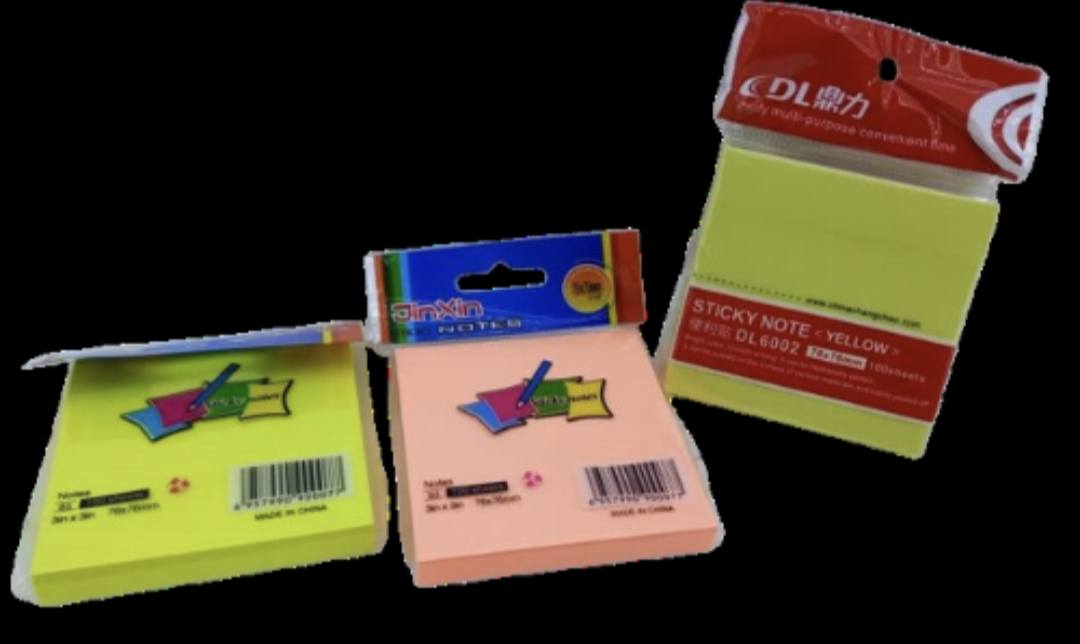
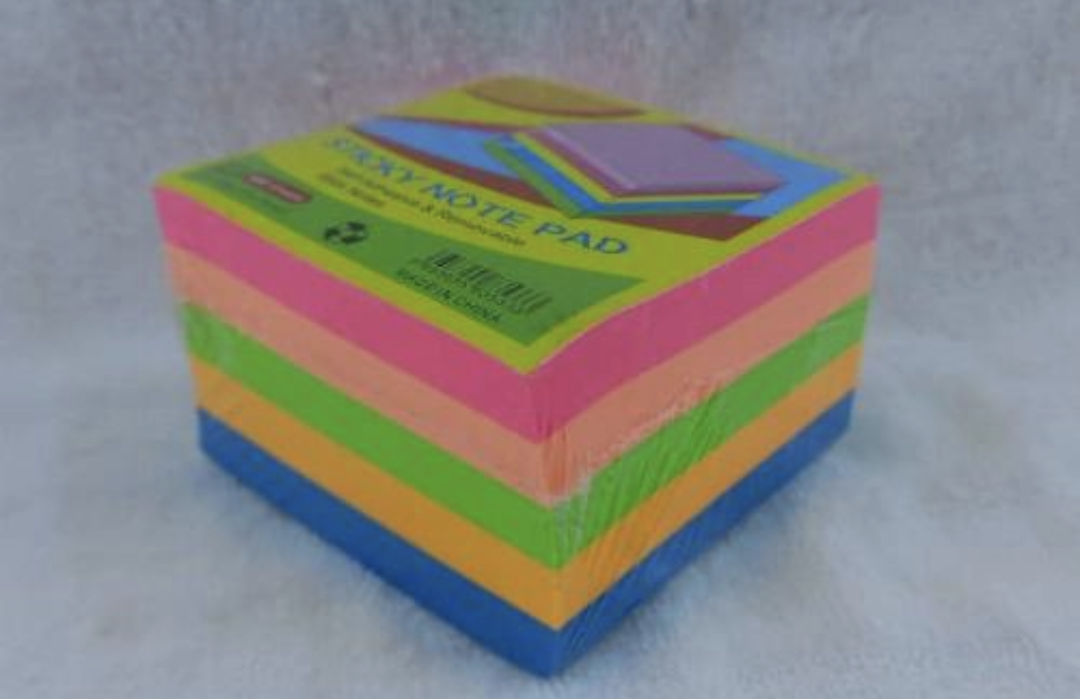
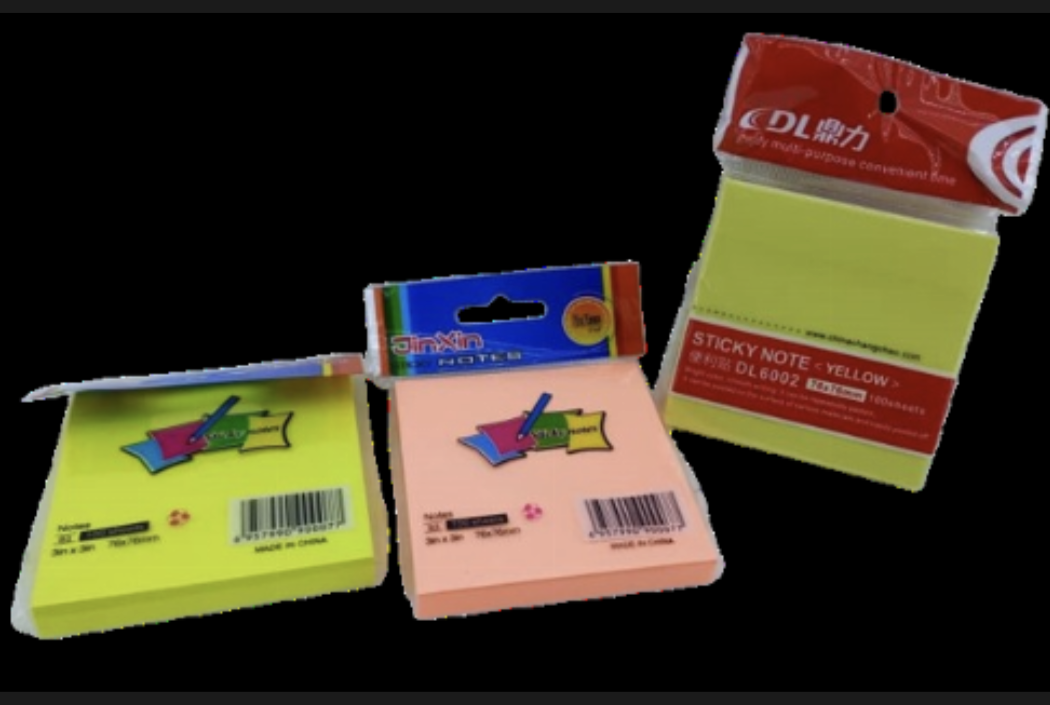
Sticky notes
1 padNice to haveA quick note on the door during a call tells others not to come in, which avoids interruptions.
How to use it: Put one on the door or desk during meetings.


Desk, chair and posture
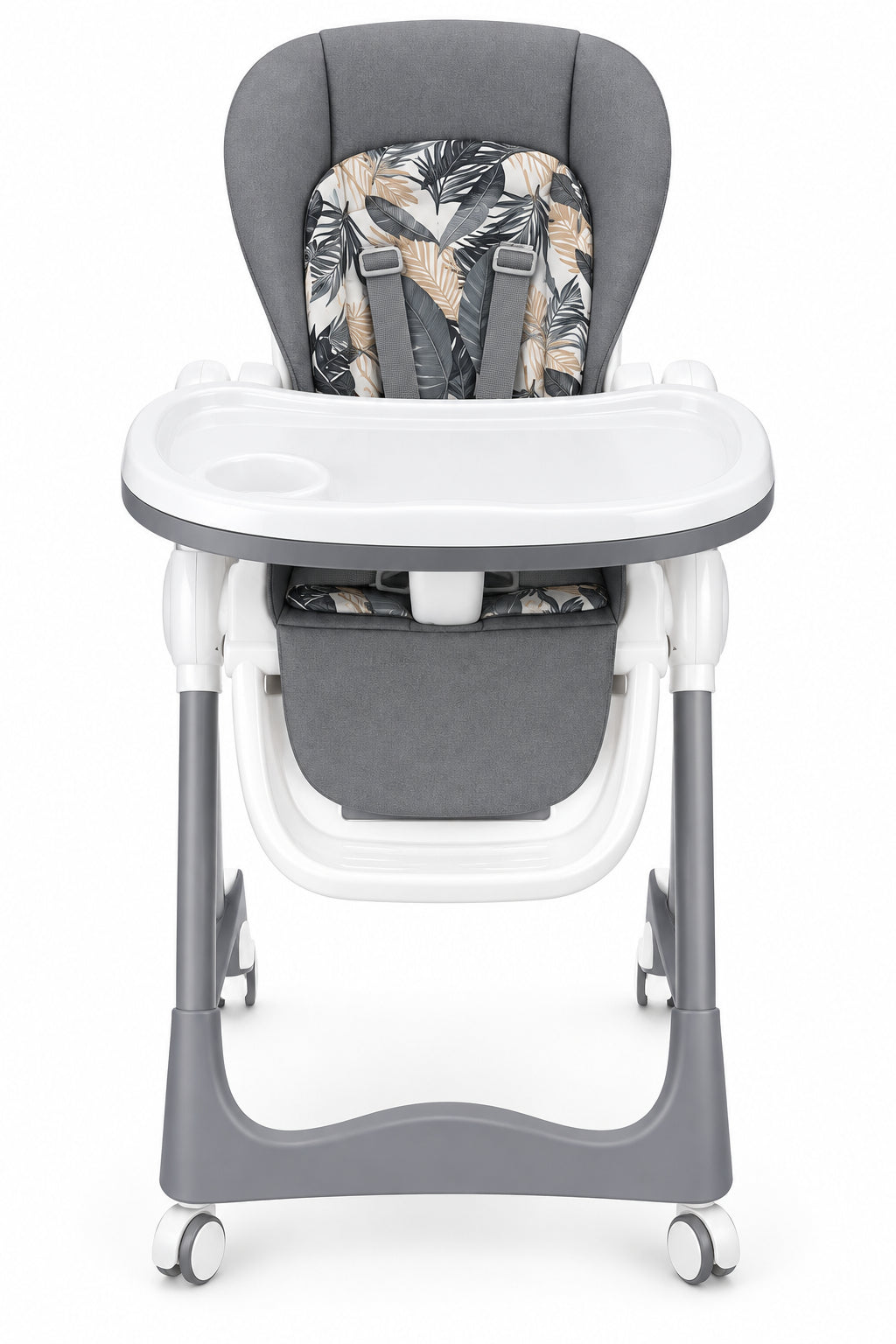
Hours at a table on a sofa cause back and neck pain. A proper setup is a good investment.
Desk or sturdy table
1 Must haveA stable surface at the right height for a laptop, mouse and notes.
How to use it: Put it near a window for daylight, but away from the kitchen noise.
Office chair
1 Must haveA chair with back support protects your back over long days.
How to use it: Choose one with adjustable height. Sit with your feet flat on the floor.
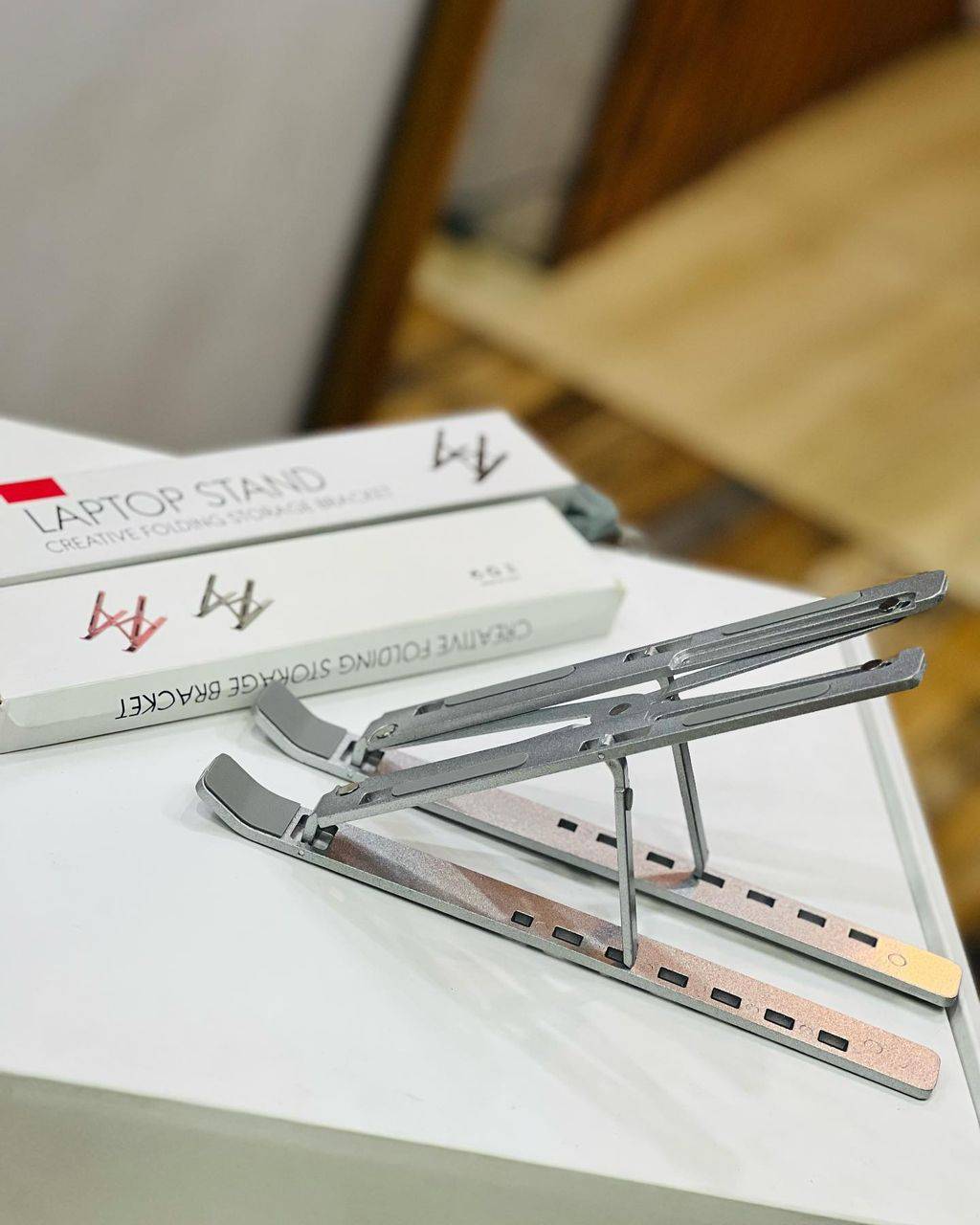
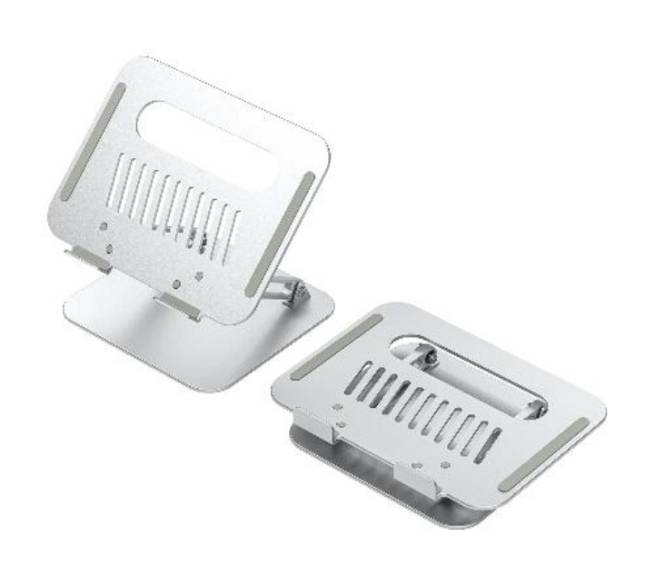
Laptop stand
1Nice to haveRaises the screen to eye level so your neck is not bent down all day.
How to use it: Use with a separate keyboard and mouse for the best posture.
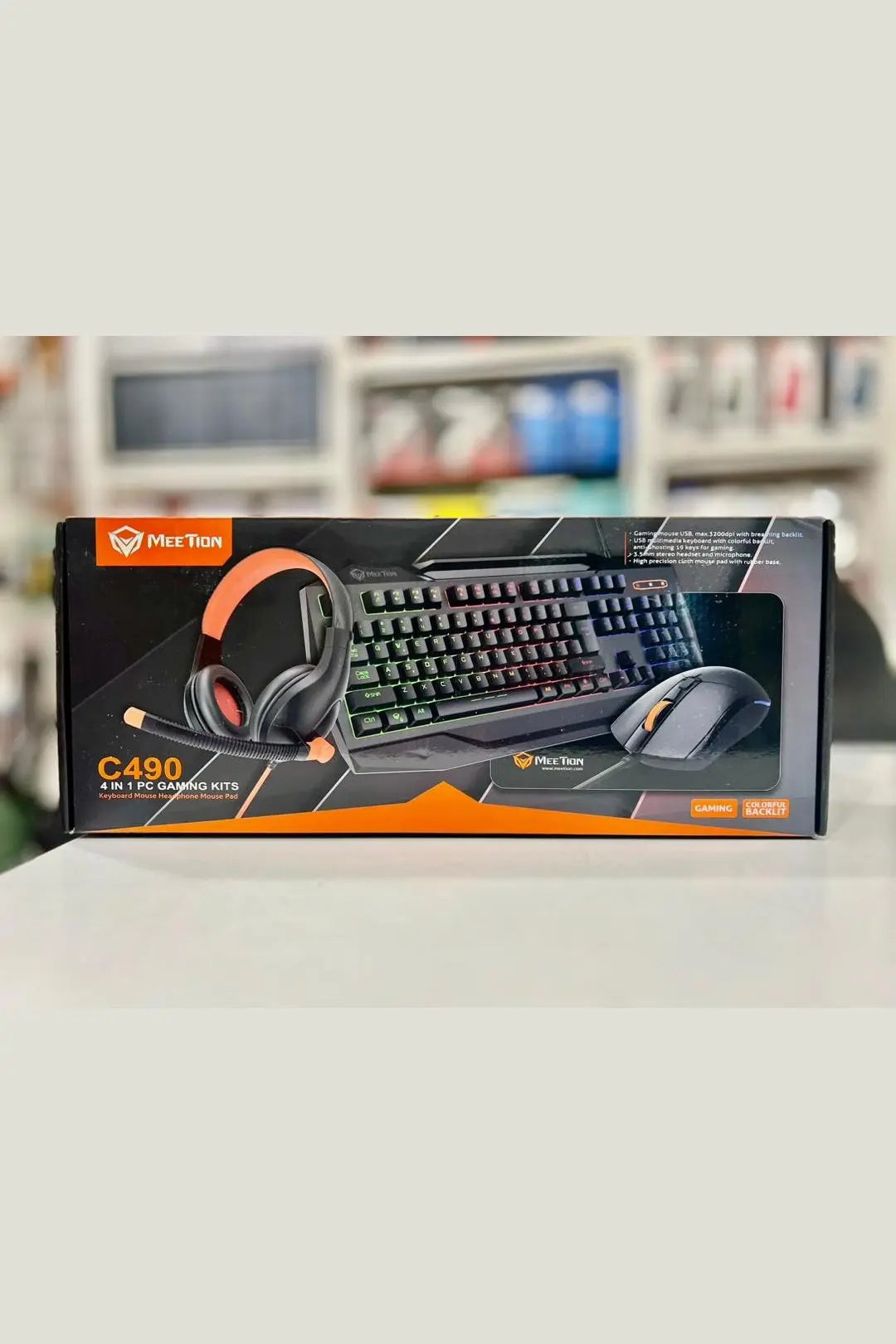
Keyboard
1Nice to haveLets you type comfortably when the laptop is on a stand.
How to use it: Choose a wired one if you want no batteries.
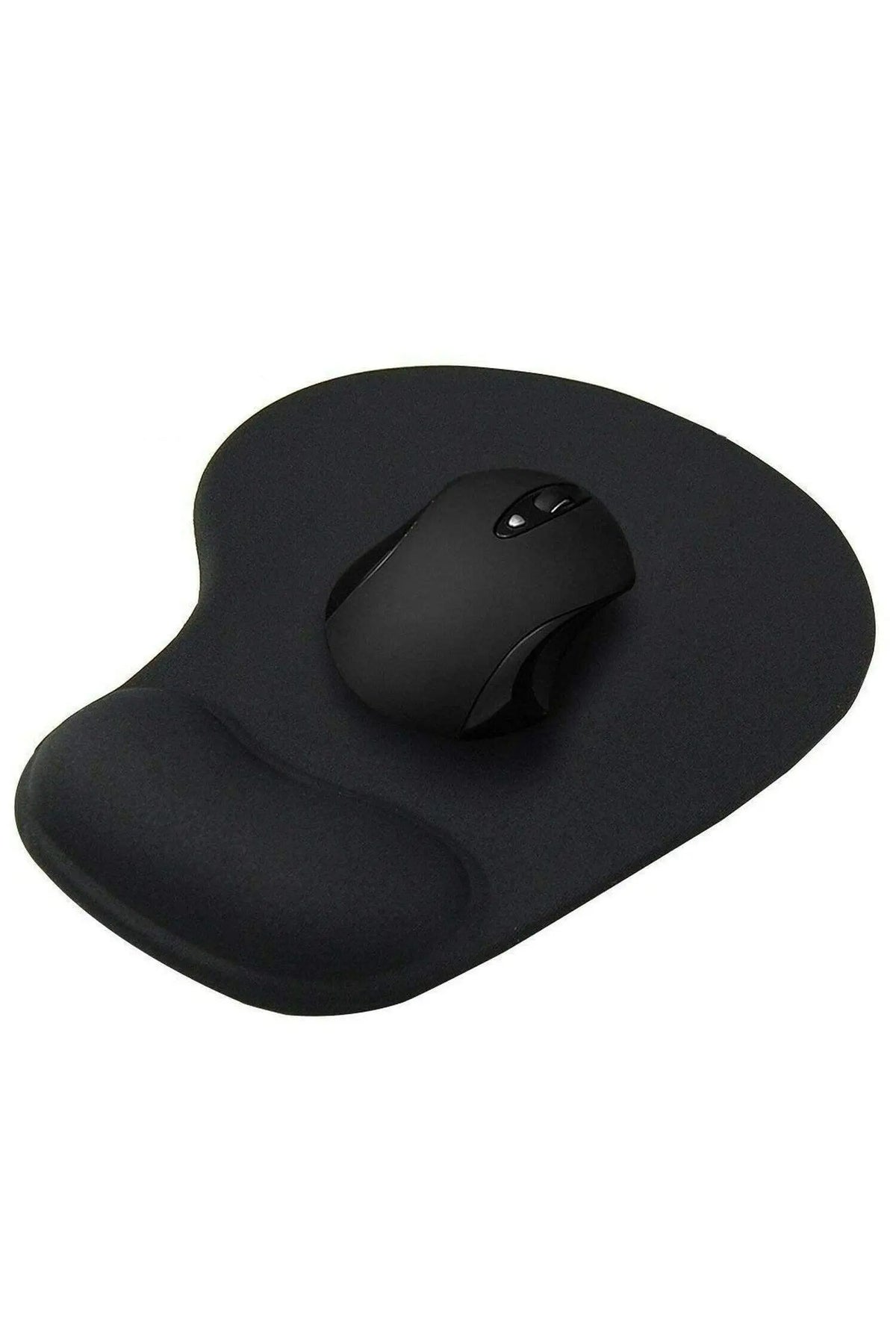
Mouse and mouse pad
1Nice to haveEasier on your wrist than a touchpad for long days.
How to use it: Place it close to the keyboard so you do not stretch.
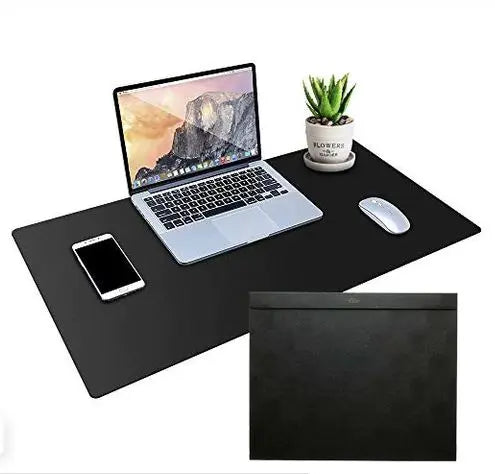
Desk mat
1Nice to haveProtects the desk and gives a calm, tidy work area.
How to use it: Wipe it clean at the end of each week.
Footrest or small box
1Nice to haveHelps if the chair is too high for your feet.
How to use it: A sturdy box works as a simple footrest.
Cushion
1Nice to haveAdds comfort on a hard chair.
How to use it: Choose a firm one that does not make you slide.





Internet and calls
A bad connection ruins a work day, so plan a backup.
Wi-Fi or 4G router
1 Must haveStable home internet is the base of remote work. Check the signal in the room where the desk is.
How to use it: Place it in the middle of the apartment, high on a shelf, away from metal and thick walls.
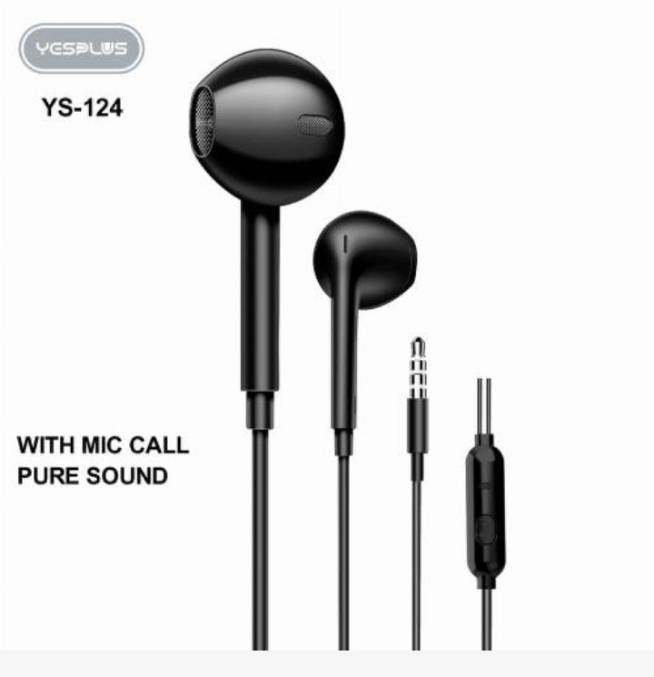
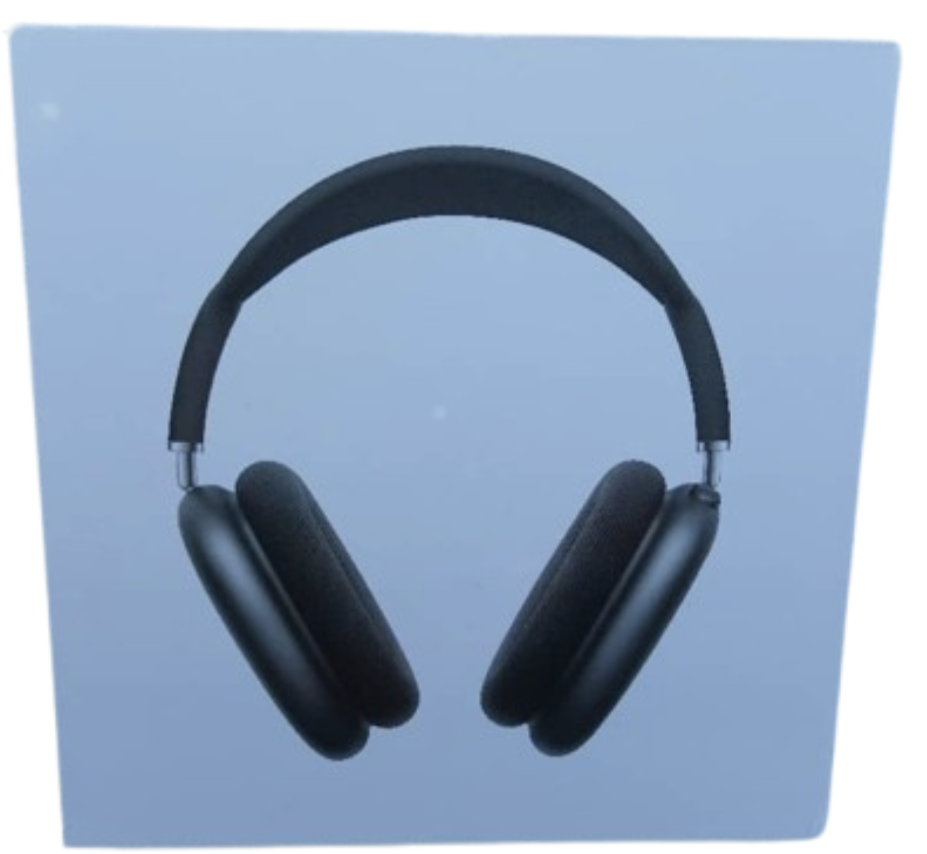
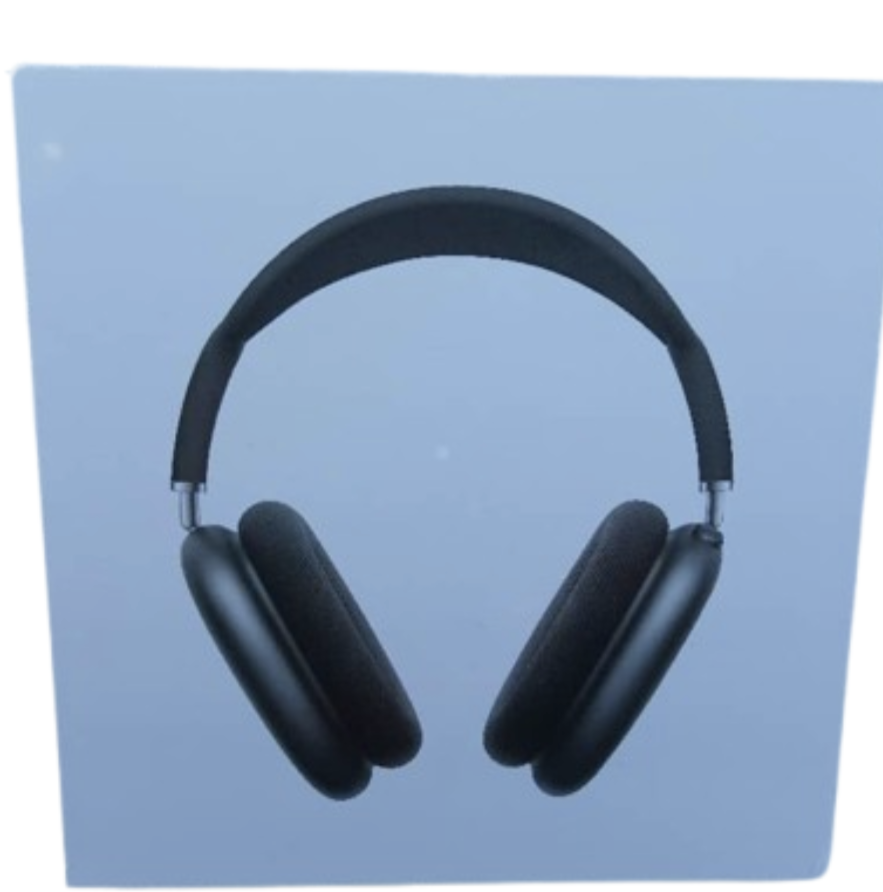
Headphones
1 Must haveLet you take calls without disturbing the other person and block noise from them.
How to use it: Pick ones with a microphone for calls and test them before a meeting.
Webcam or privacy cover
1Nice to haveIf the laptop camera is poor, a separate one helps. A cover keeps privacy when you are not in a call.
How to use it: Place the camera at eye level with light on your face.
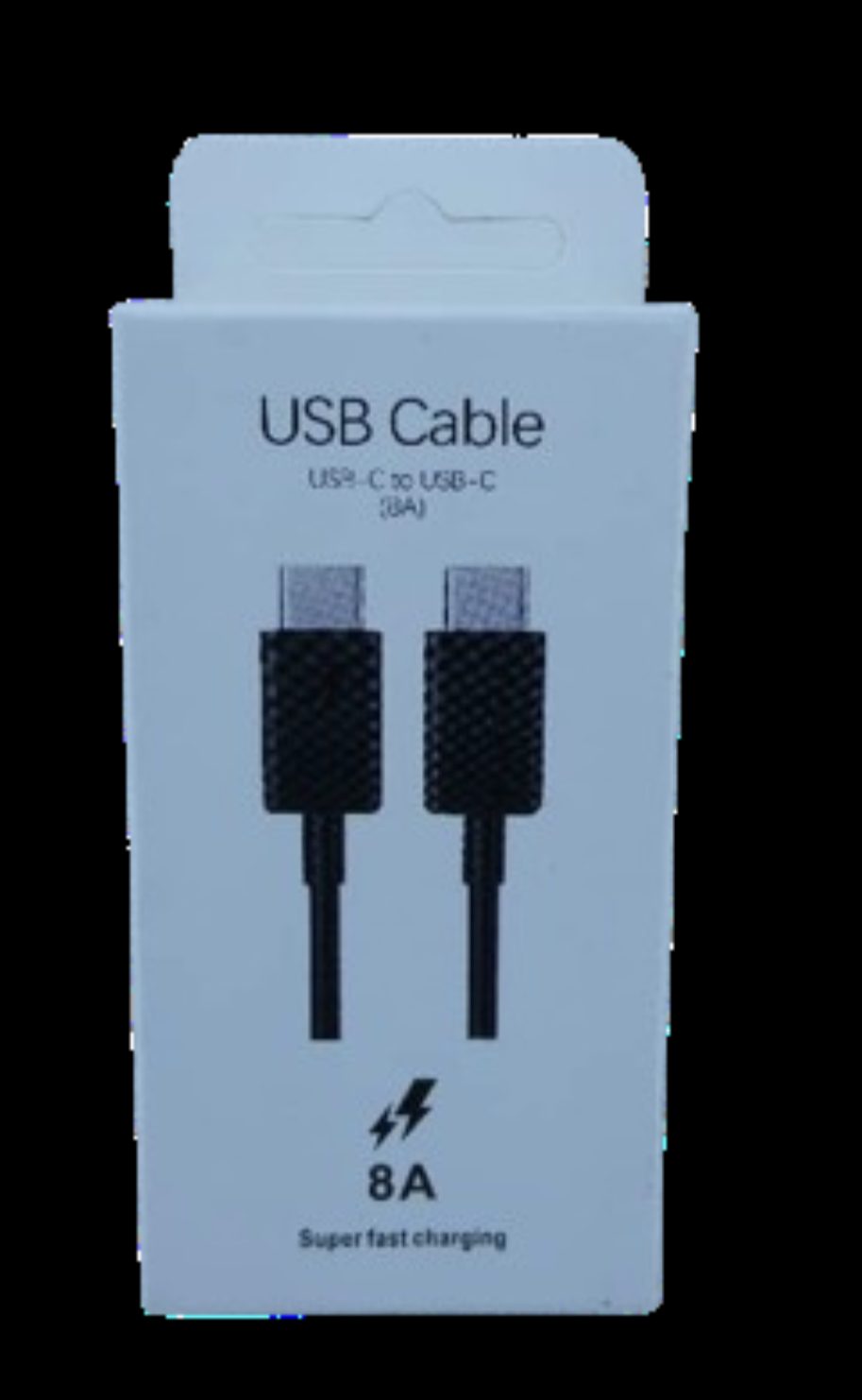
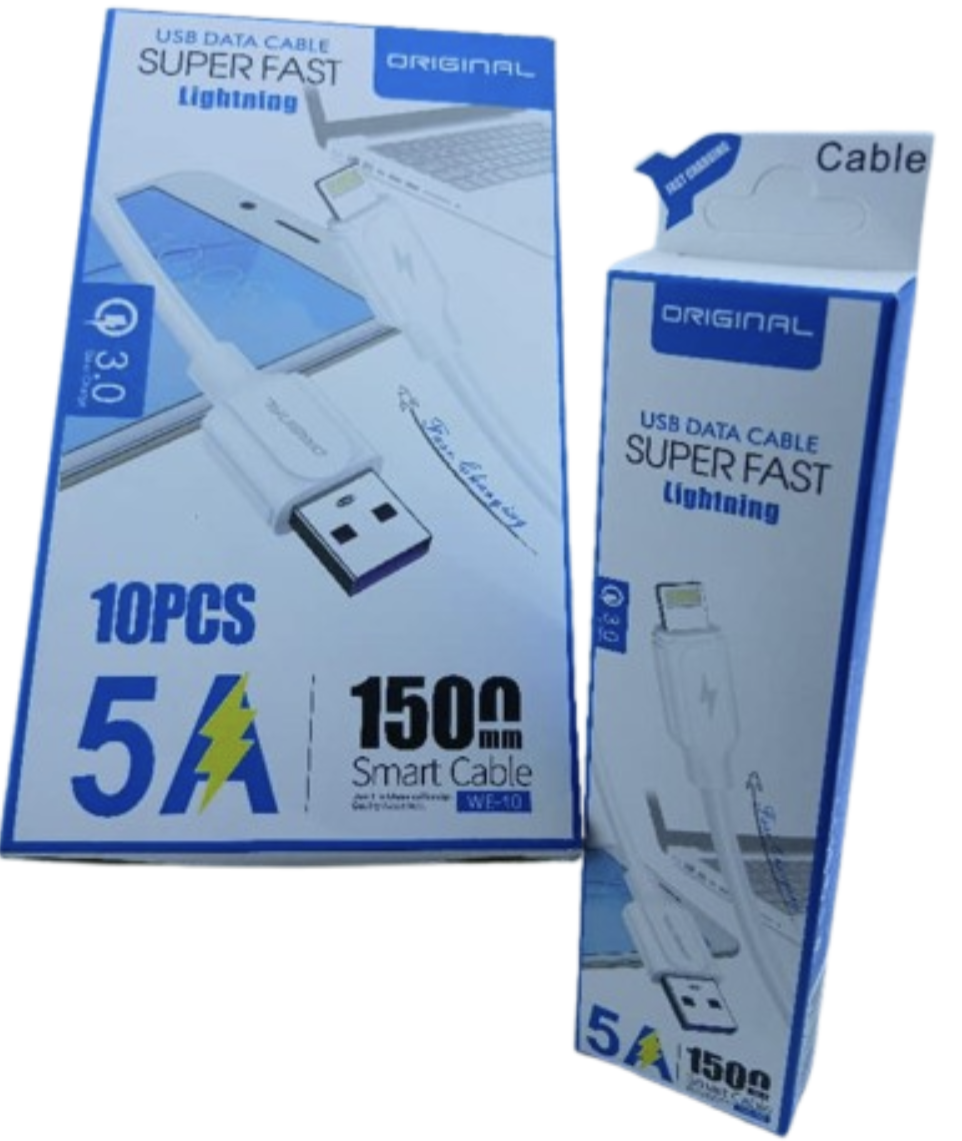
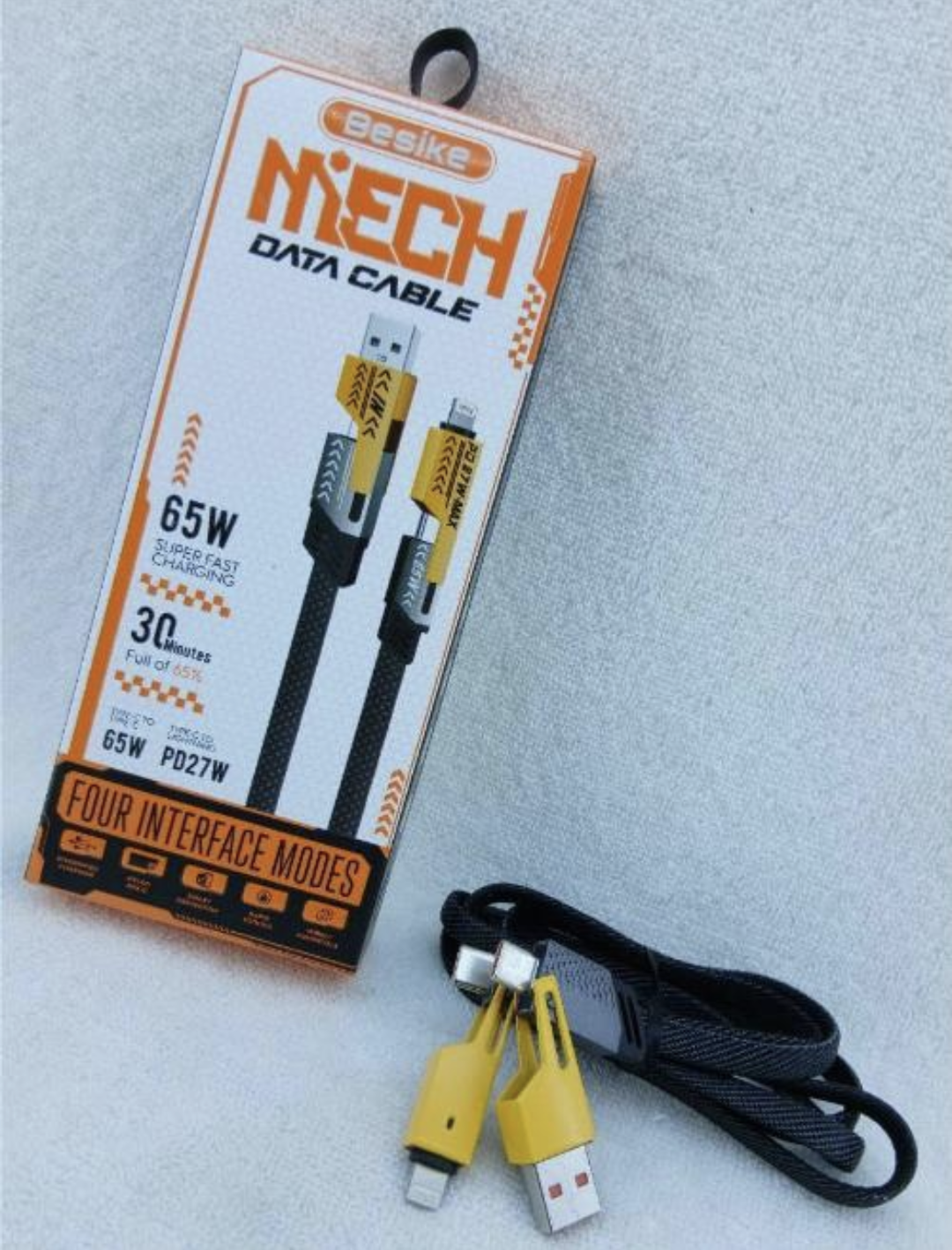
USB cable
2Nice to haveCharging cables fail often, so keep a spare.
How to use it: Label cables so they do not mix with the roommate's.
USB hub
1Nice to haveMore ports for a mouse, drive and phone if the laptop has few.
How to use it: Plug it directly into the laptop.

Power cuts and charging
Power cuts in Kigali can hit a work day. A small backup keeps you online.
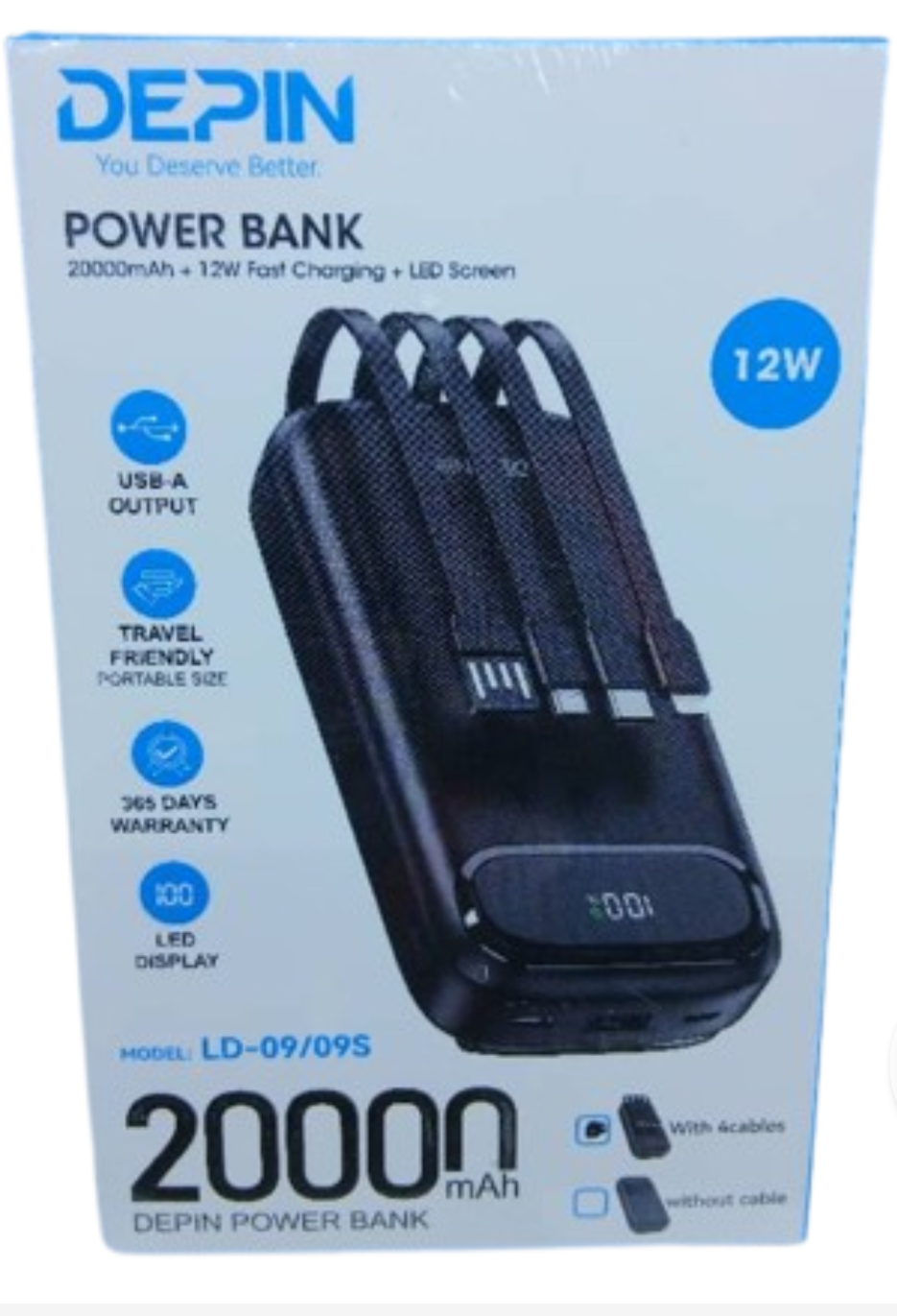
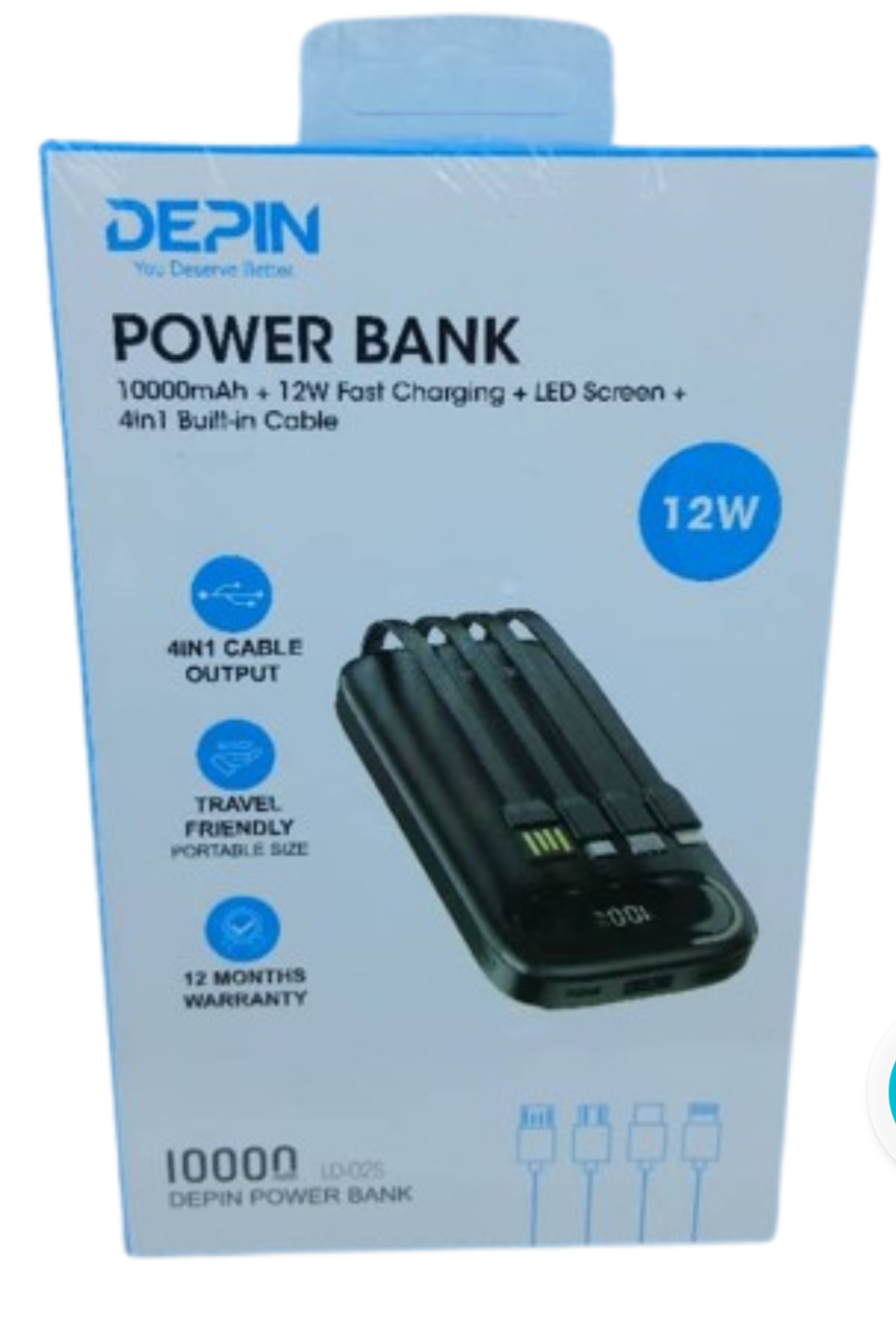
Power bank
1 Must haveKeeps your phone and hotspot alive when the power goes off.
How to use it: Charge it at night. Check the capacity before buying.
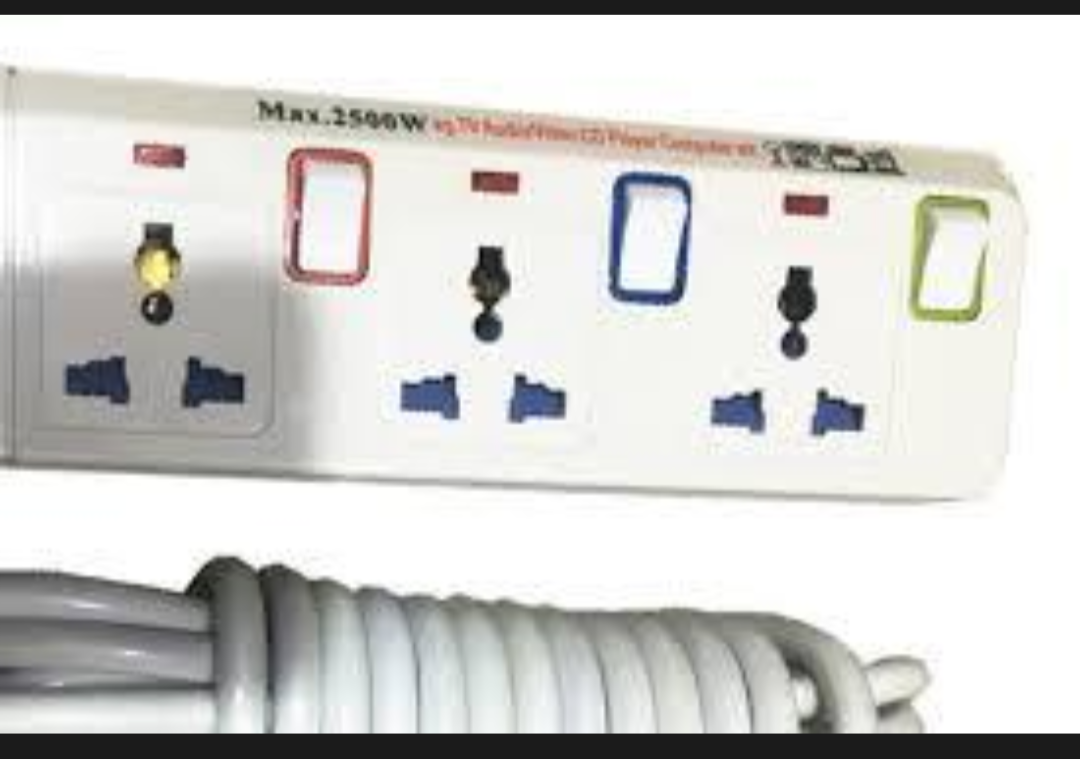
Multi socket extension
1 Must haveGives enough sockets at the desk for laptop, lamp and charger.
How to use it: Do not overload it. Keep it off the floor in the rainy season.
Surge protector
1Nice to haveProtects a laptop from sudden power jumps.
How to use it: Check that the label says it is a surge protector.
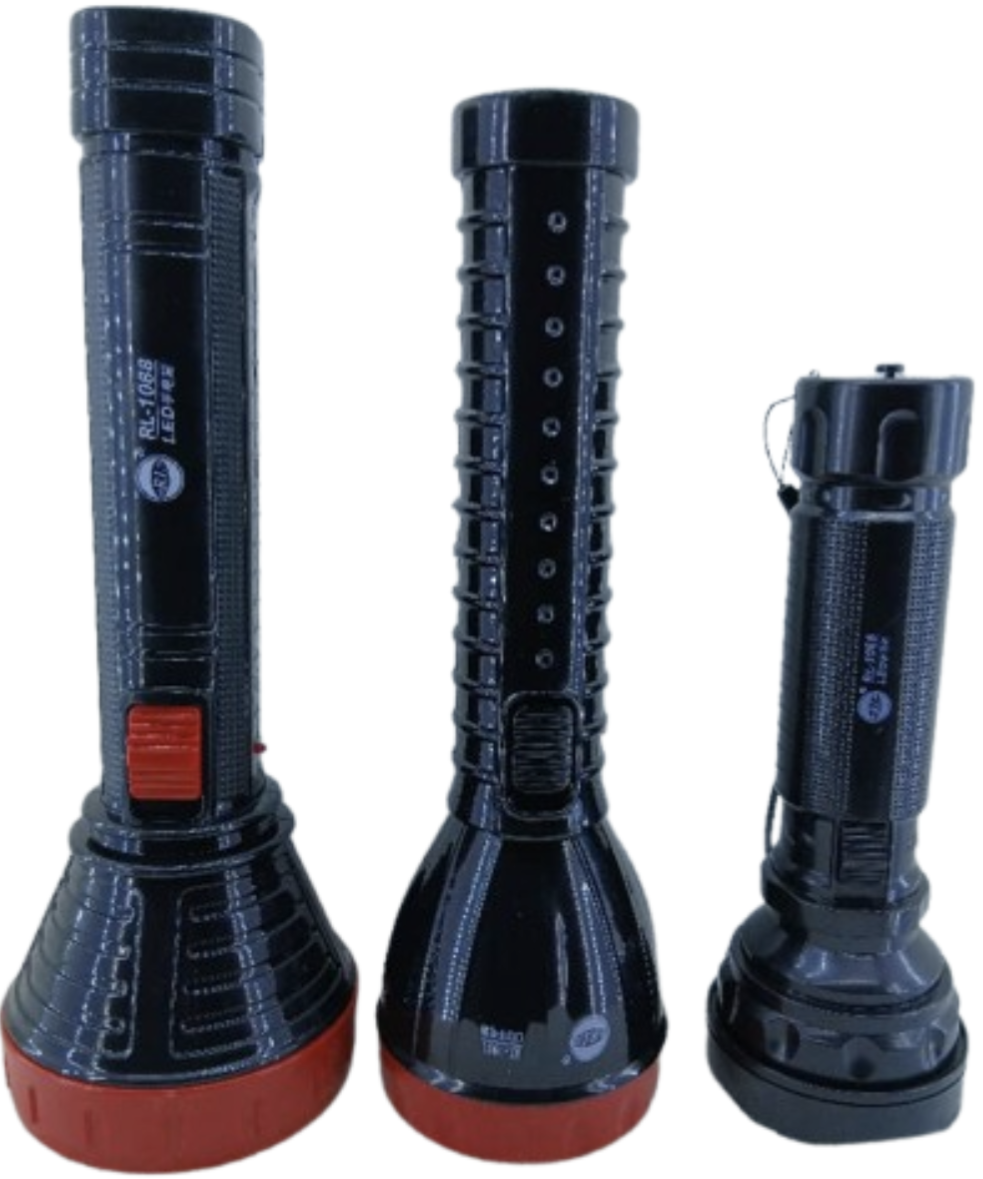
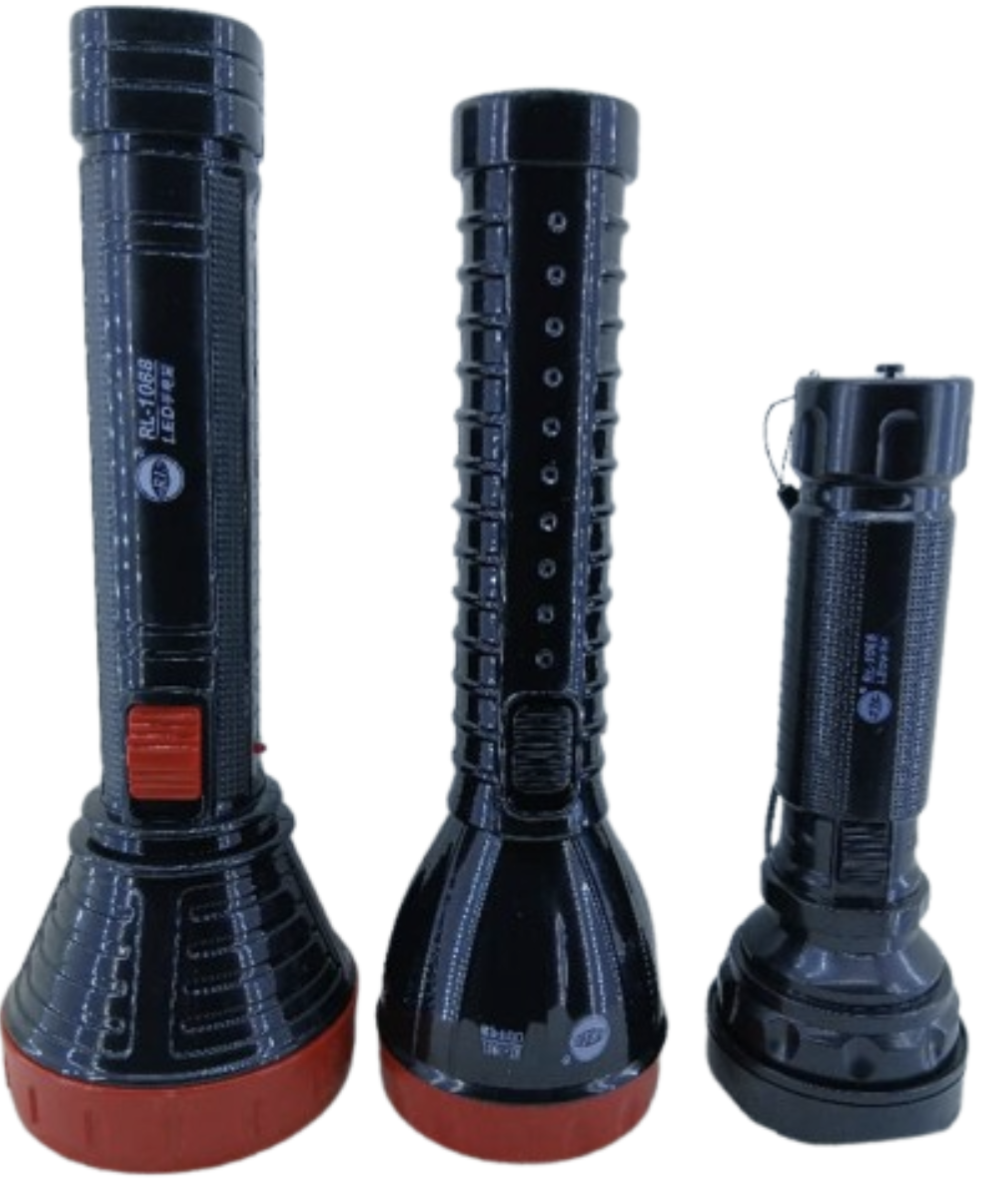
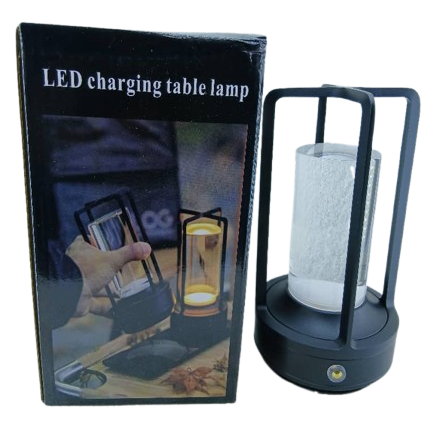
Rechargeable lamp or torch
1 Must haveLets you keep working or save your files when it gets dark.
How to use it: Keep one charged and near the desk.
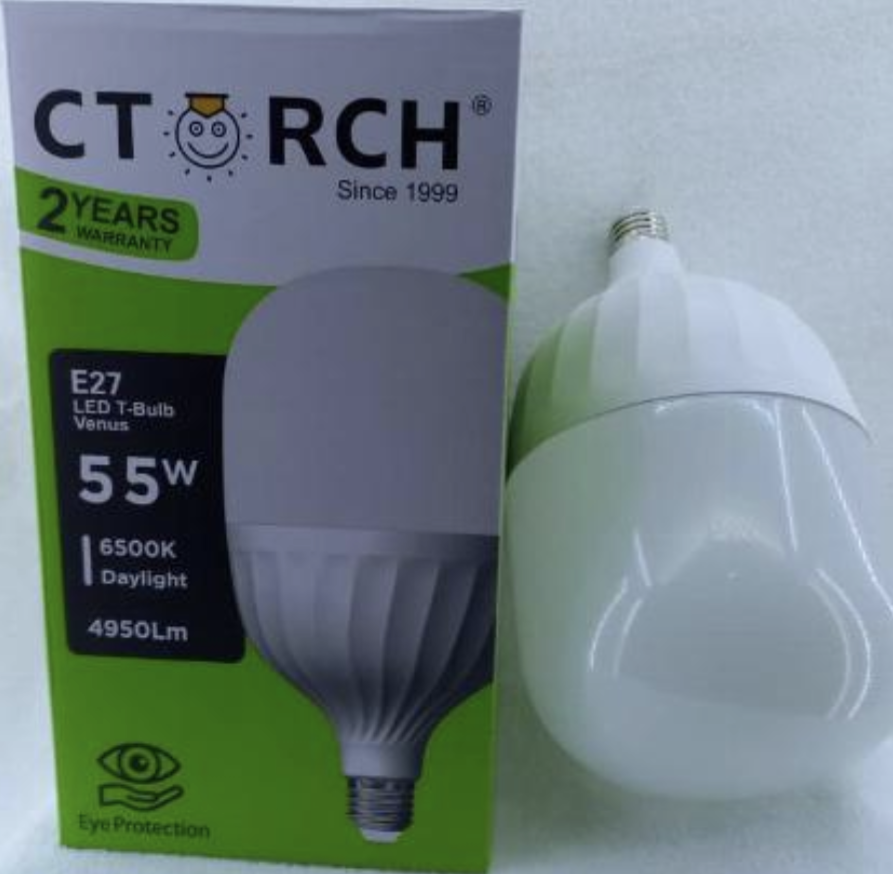
Spare bulb
2Nice to haveA bulb that dies the night before a deadline is annoying.
How to use it: Check the bulb fitting type before you buy.




Light, air and comfort
A comfortable room makes long days easier.
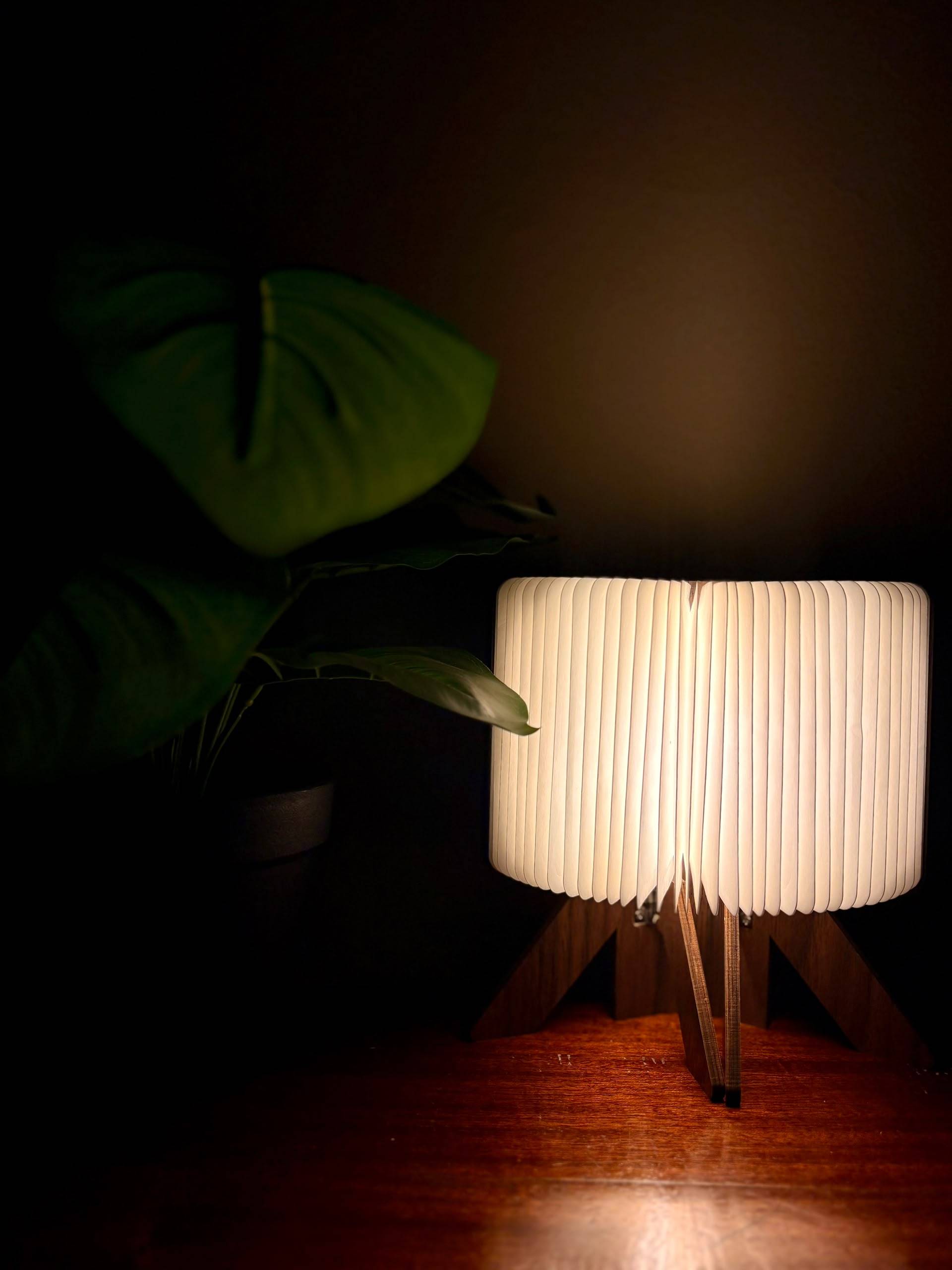
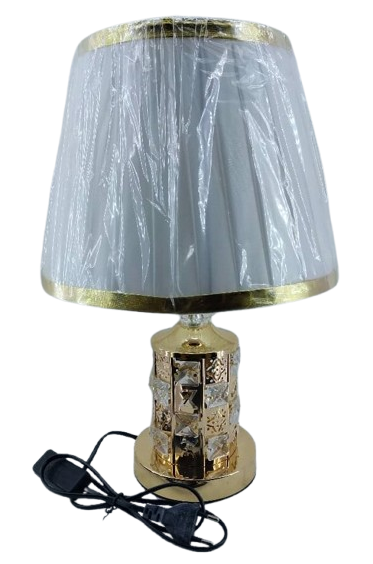
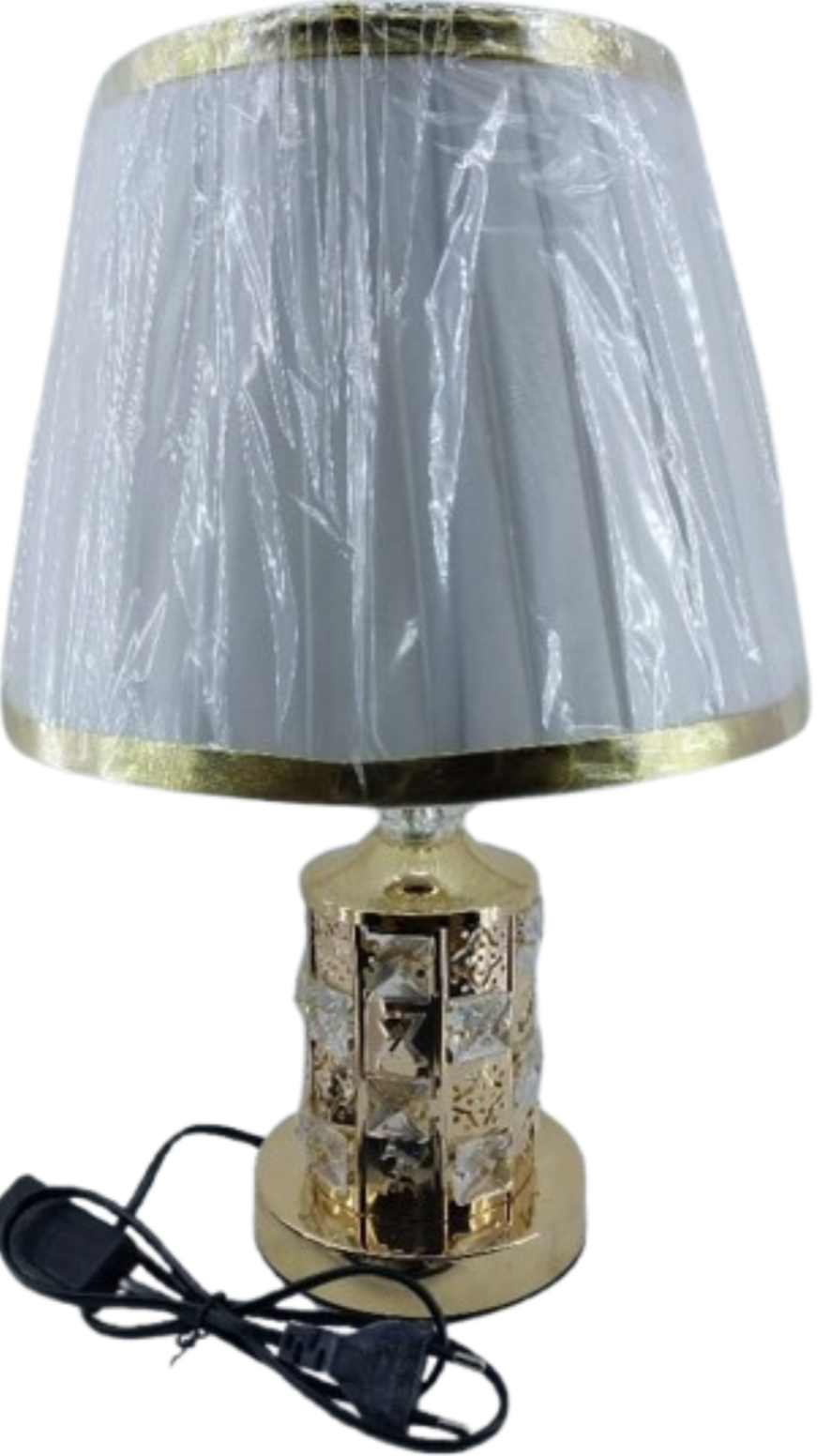
Desk lamp
1 Must haveGood light reduces eye strain in the evening.
How to use it: Place on the opposite side to your writing hand to avoid shadows.
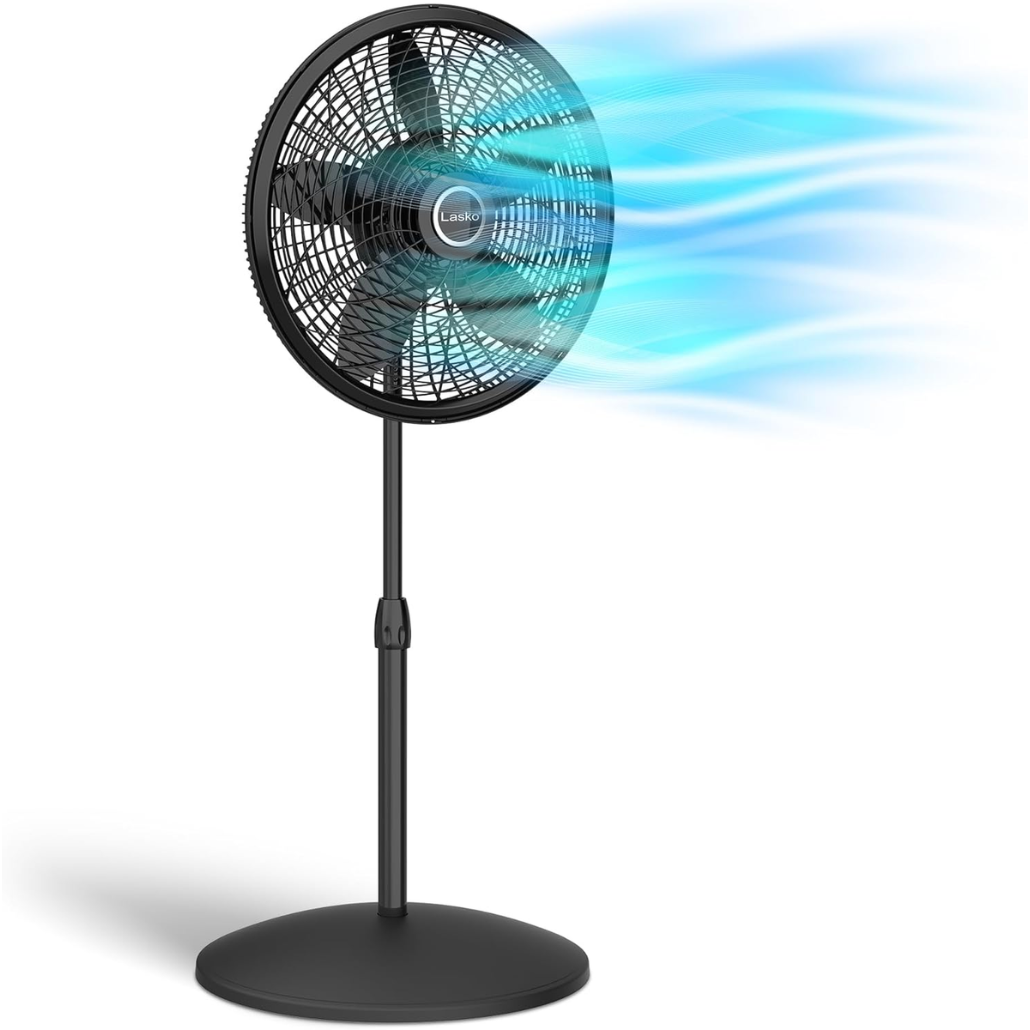
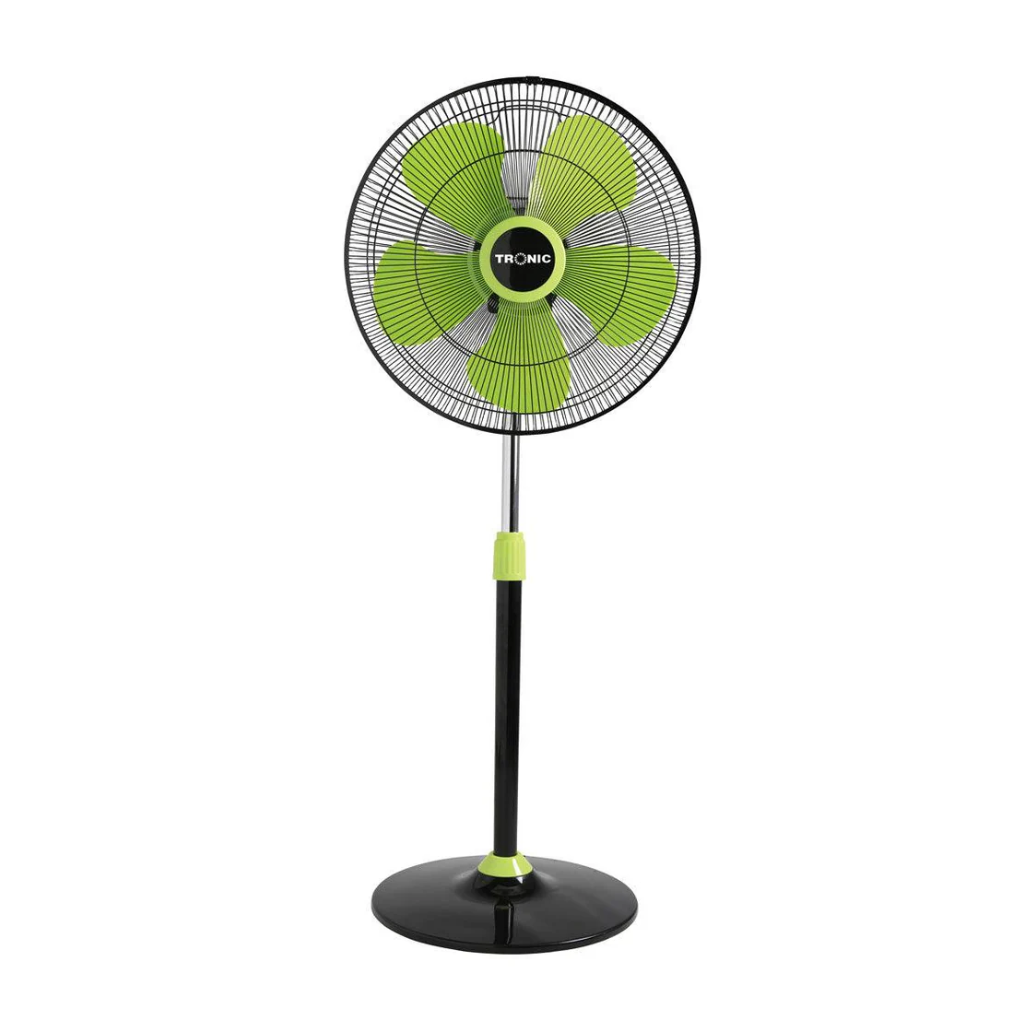
Fan
1Nice to haveKigali afternoons can be warm in a closed room.
How to use it: Place it so it does not blow papers off the desk.
Earplugs
1 pairNice to haveA cheap fix for a noisy hour in a shared space.
How to use it: Use only when you can still hear alarms and the doorbell.
Kitchen and breaks
Share the kitchen well and keep your breaks healthy.
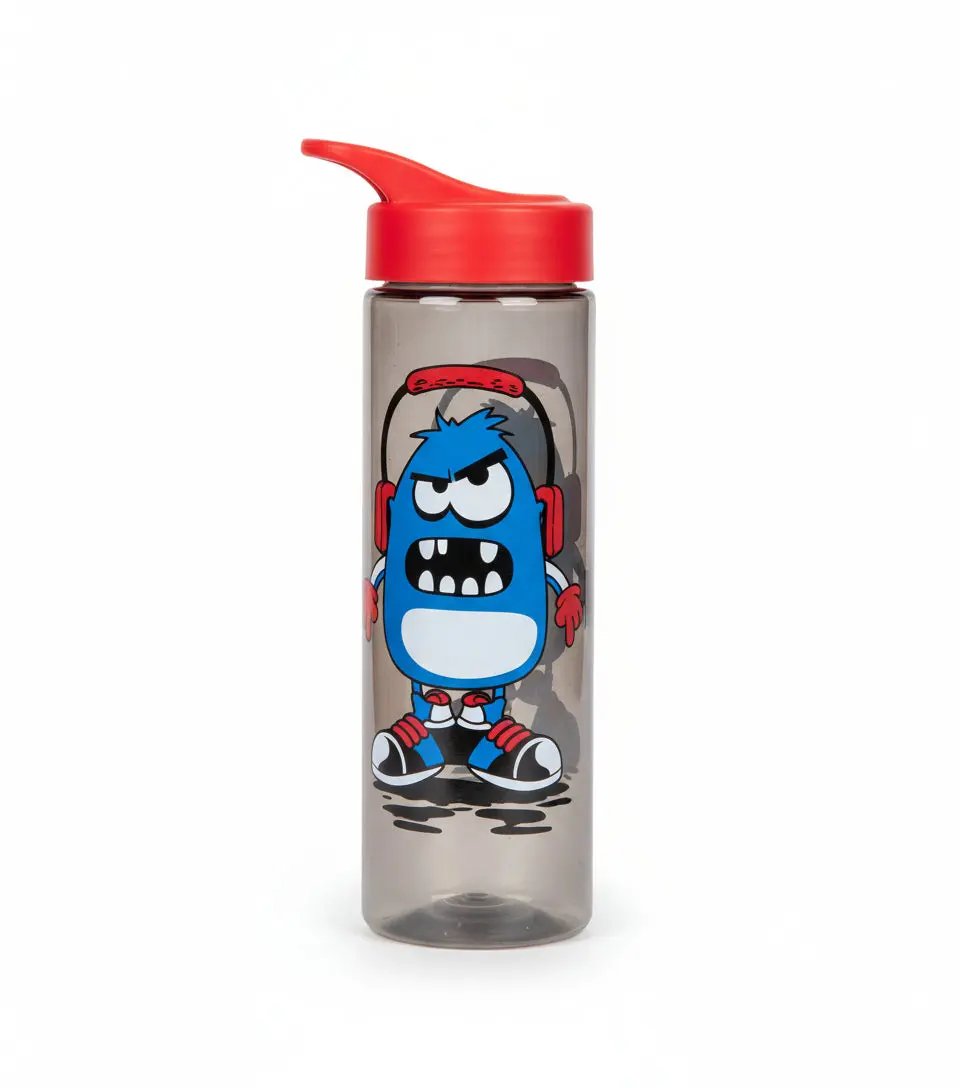
Water bottle
1 Must haveKeeps you drinking water through the day.
How to use it: Fill it in the morning and keep it at the desk.
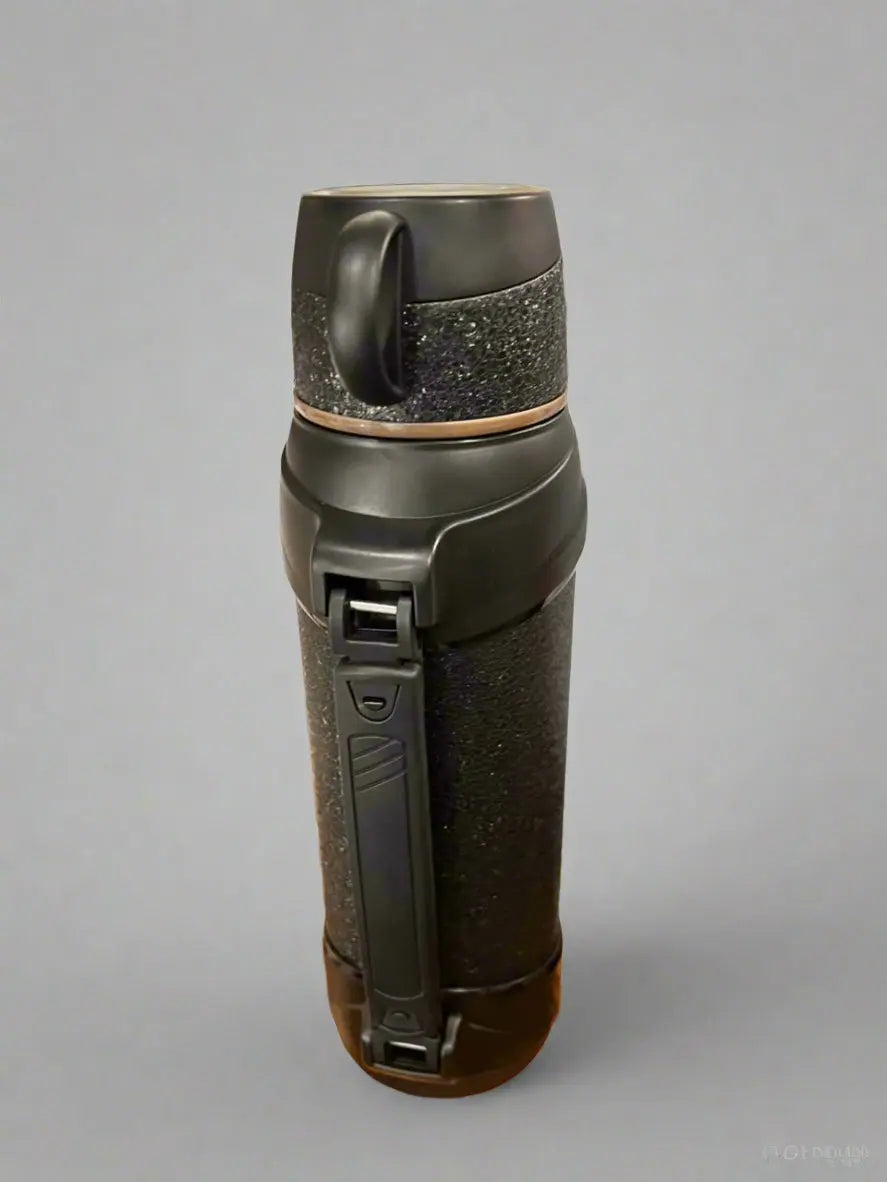
Flask
1Nice to haveKeeps tea or coffee hot for a long work block.
How to use it: Rinse after use to avoid smells.
Mug
1Nice to haveHaving your own mug avoids confusion in a shared kitchen.
How to use it: Label it if you share dishes.
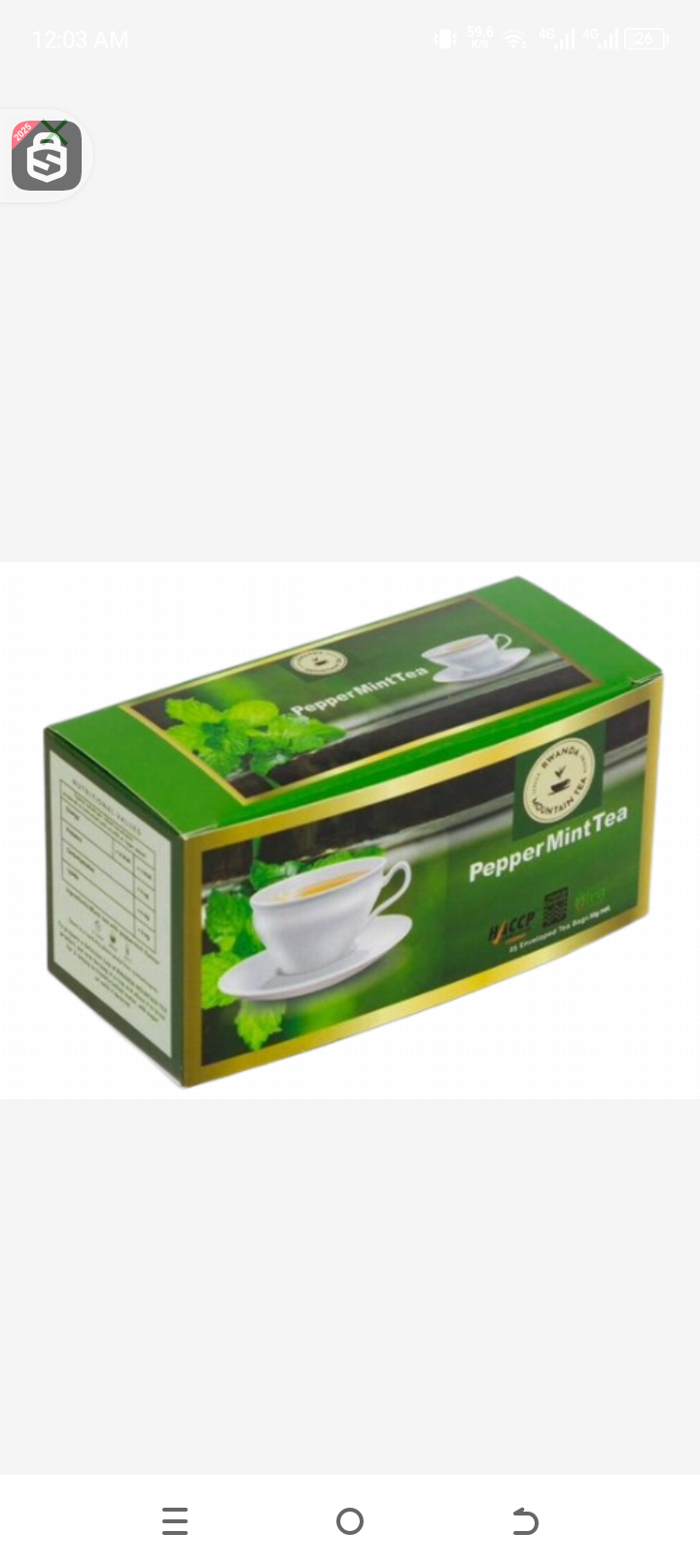
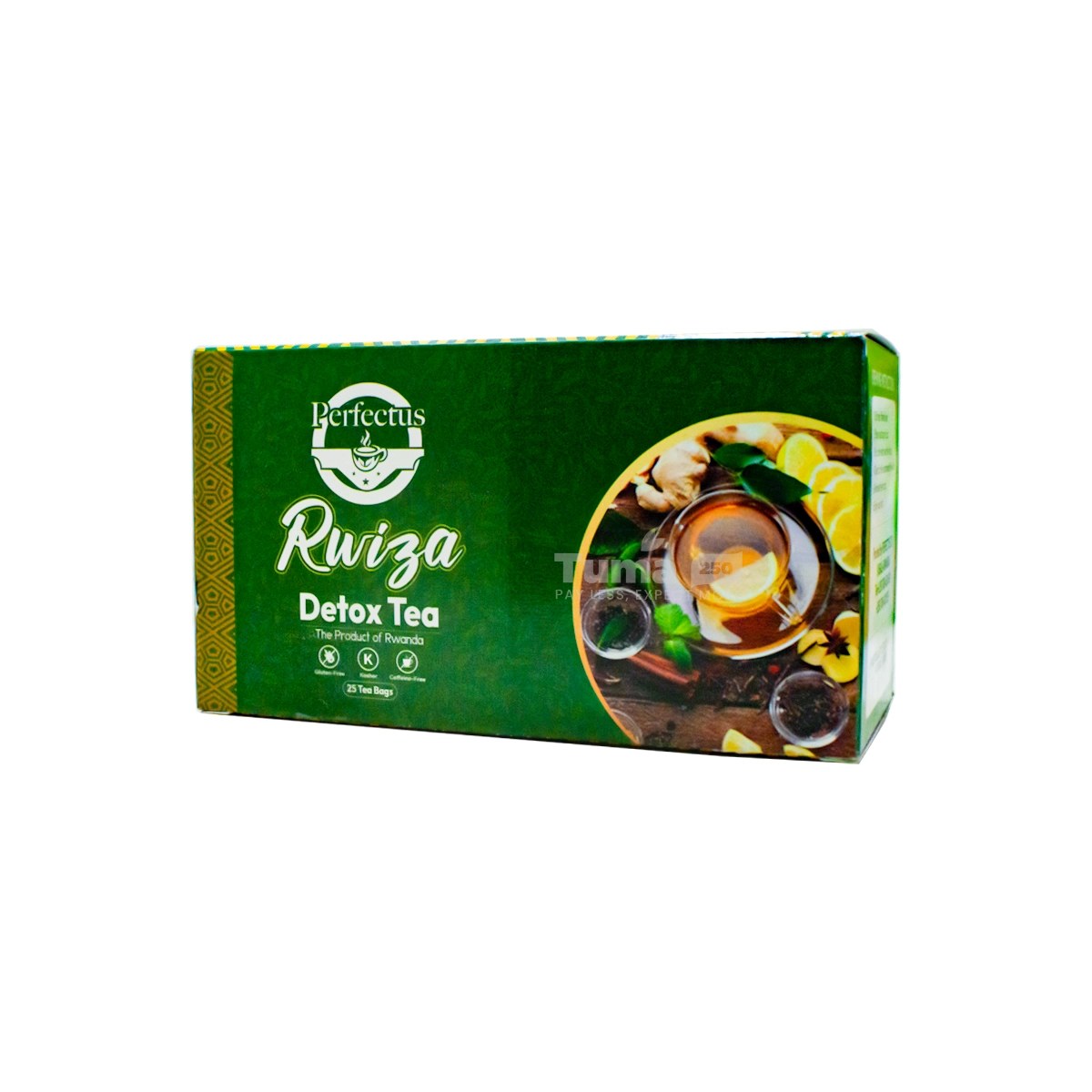
Tea bags
1 boxNice to haveA calm break at the desk.
How to use it: Share the cost of common items.
Snacks
As neededNice to haveGood snacks at the desk stop you from rushing to the kitchen during calls.
How to use it: Keep them in a closed container.
Dish soap and sponge
1 Must haveDirty cups on the shared sink cause quarrels.
How to use it: Agree who washes what and when.
Hand sanitizer
1Nice to haveUseful for shared surfaces.
How to use it: Keep a bottle near the entrance and the desk.
















Step by step
- 1
Talk first
Agree work hours, quiet times, guests and how bills are shared. Write it down.
- 2
Choose the work spot
Pick a place with daylight, a power socket and less noise. Measure for a desk.
- 3
Buy the desk set
Buy a desk, a chair with back support and a lamp. Add extras as you need them.
- 4
Set up backup
Add a power bank, extension socket and a spare data plan for power cuts and slow internet.
- 5
Review after two weeks
Check what works and what annoys you both. Change the rules or buy small fixes.
Tips that help
- Use headphones for calls and for music, so each person has quiet.
- Keep one corner of the apartment as the work area only, so work does not spread to every room.
- Check the internet speed at the desk before the first big meeting.
- Charge all backups, such as a power bank and a lamp, every night.
- Set clear times for kitchen use so lunch does not collide with calls.
- Plan short breaks away from the screen and stretch your back.
- Be kind. A small thank you goes a long way when you share a small space.
Mistakes to avoid
- Not talking about rules until a conflict starts.
- Working on a sofa or bed for months.
- Having no backup for the internet or power.
- Putting the router in a cupboard or a far corner.
- Splitting bills only when the electricity bill surprises you.
Questions people ask
How do I set up a home office in a shared apartment?+
Pick one spot with light, a socket and low noise. Use a proper desk and chair. Agree quiet hours with your roommate.
What should I do about power cuts when I work from home?+
Keep a power bank, a charged lamp and a mobile data backup. Save your work often and learn when your area has planned cuts.
How should we share the internet and electricity bills?+
Talk about it early and write down the split. Remote work uses more electricity, so some roommates adjust the share. Check with your landlord about the meter.
How can I stay quiet when my roommate is on a call?+
Use headphones, close doors gently and avoid the kitchen if you can. A small sign or a shared calendar helps.
What is the best chair for a remote worker?+
One with back support and adjustable height, so your feet reach the floor and your arms rest at desk height.
A clear agreement and a few well-chosen items make a shared apartment work well for everyone. Shop the list on Isokko and set up the desk before the first workday.
Shop this list
Get everything delivered in Kigali
Order from local stores on Isokko and pay with MoMo, card or cash. Same-day delivery.