
Checklist · Work & business
Home Office Setup for Working From Home in Kigali: Checklist
A home office checklist for working from home in Kigali: desk and chair, laptop setup, internet, backup power for outages, lighting and the stationery you need.
Updated November 16, 2026 · By Isokko
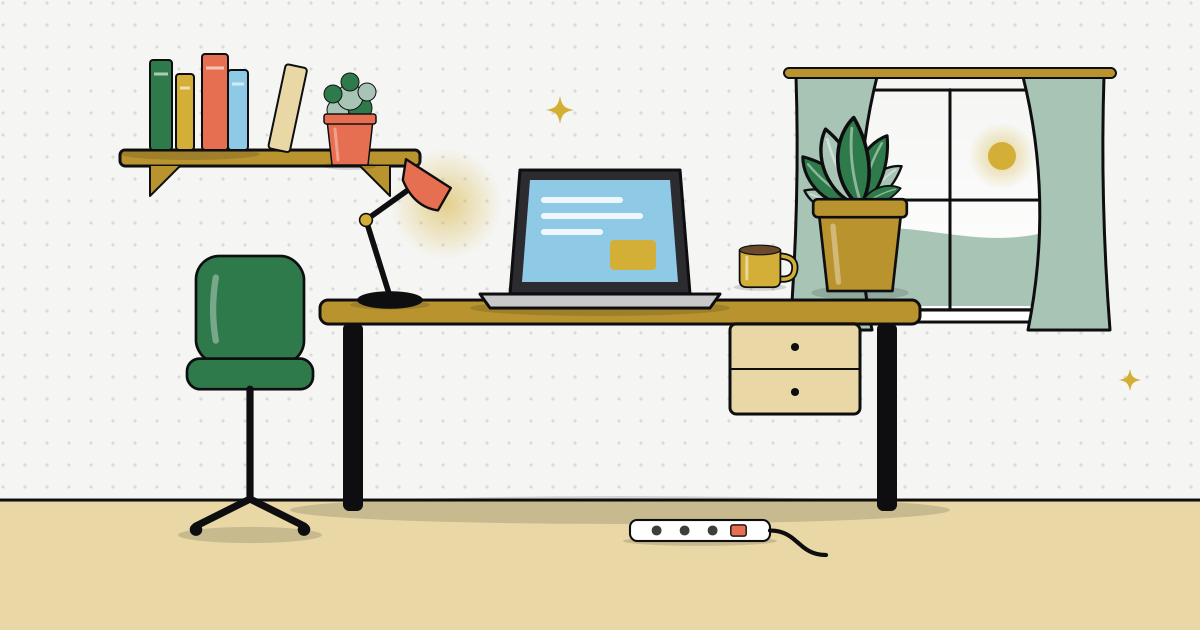
Working from home in Kigali has real perks: no moto ride in the rain, lunch in your own kitchen, and more time with family. It also has real challenges: a power cut ten minutes before a client call, a dining chair that ruins your back, and kids who think you are on holiday.
A good home office solves most of that. You do not need a separate room. You need a dedicated spot, a chair that supports you, reliable internet, a plan for outages and good light.
This checklist covers it all in order of impact. Start with power and internet, because no chair helps if your laptop is dead.
Who it's for
Remote workers, freelancers, students and hybrid employees in Kigali who work from home some or all days
Time needed
Set up in a weekend, improve over the first month
When to shop
Get backup power and internet sorted first, comfort items next
On the list
26 items, 14 must haves
0 of 26 ready
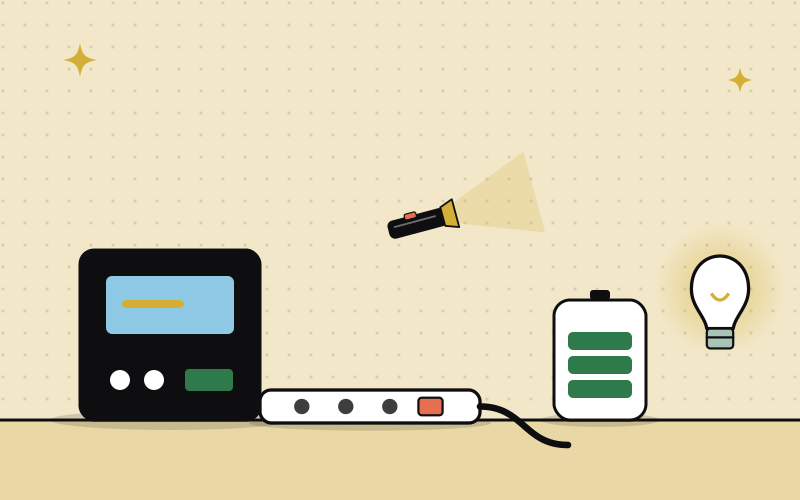
Power backup for outages
Power cuts are the number one work from home problem in Kigali. Plan for them first.
UPS (uninterruptible power supply)
1 Must haveA UPS keeps your router and laptop running for the minutes it takes to finish a call or save your work, and protects them from power surges when electricity comes back.
How to use it: Plug the router and laptop charger into it. Do not plug in a kettle or heater, they drain it in seconds.
Extension socket with switch
1 or 2 Must haveYour desk needs sockets for the laptop, phone, lamp and router in one place.
How to use it: Choose one long enough to reach the desk without a trailing cable across the walkway.
Power bank
1 Must haveKeeps your phone alive for hotspot internet and calls when the power is out for hours.
How to use it: A 20,000 mAh power bank can also top up some laptops with USB C charging. Check your laptop supports it.
Rechargeable torch
1 Must haveEvening outages leave a home office in complete darkness.
How to use it: Keep it in a desk drawer, always in the same place.


Internet that keeps up
Video calls need stable internet. Have a main connection and a backup.
4G router
1 Must haveWhere fiber is not available, a 4G router with a monthly bundle gives a stable connection for the whole house.
How to use it: Place it high and near a window facing the nearest tower. Test call quality in different rooms.
Long charging cables
2Nice to haveShort cables mean working right next to the socket.
How to use it: Get one cable at least 2 metres long for the phone and one spare laptop charger if you can.


Desk and chair
You will sit here eight hours a day. Comfort is productivity.
A proper desk or table
1 Must haveA dining table works for a week. After that, your back and your family both want their table back.
How to use it: Desk height should let your elbows rest at about 90 degrees when typing.
Office chair
1 Must haveA good chair is the single best investment for your back.
How to use it: Look for adjustable height and back support. Your feet should rest flat on the floor.
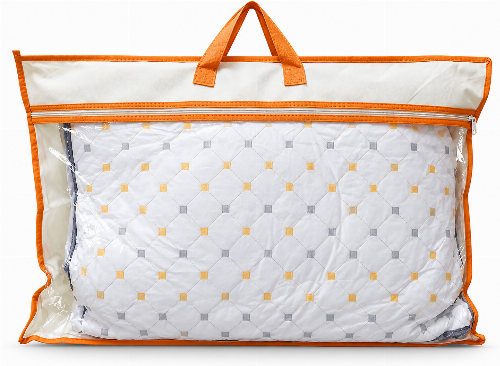
Cushion for back support
1Nice to haveIf your chair is not perfect, a cushion behind your lower back helps a lot.
How to use it: Place it at the curve of your lower back, not behind your shoulders.


Laptop setup and accessories
Working all day on a laptop at table height strains your neck. These fix it.
Laptop stand
1 Must haveRaises the screen to eye level so you stop looking down all day.
How to use it: Set the top of the screen at or slightly below eye level.
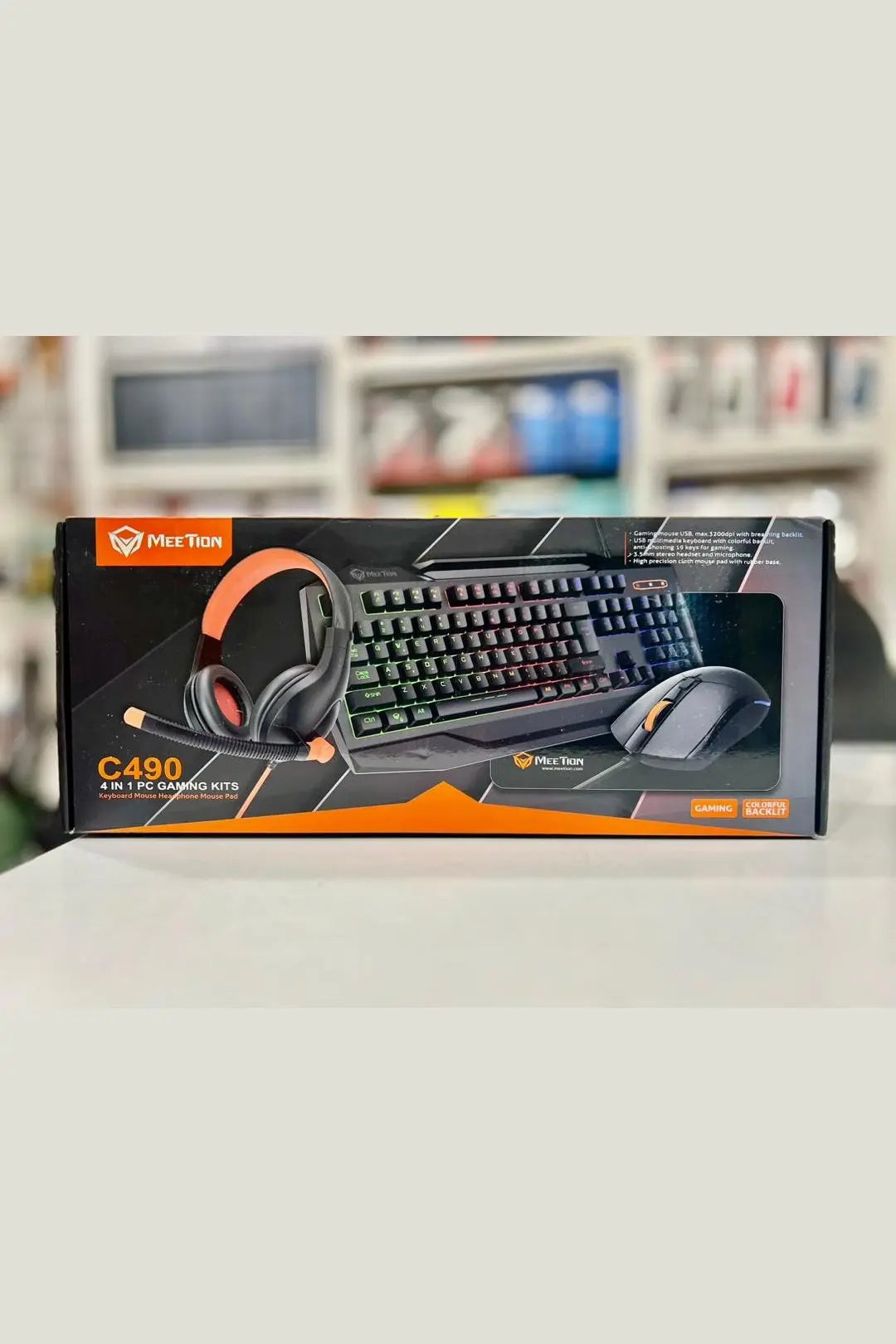
External keyboard and mouse
1 set Must haveOnce the laptop is raised, you need a separate keyboard and mouse to type comfortably.
How to use it: A wireless set keeps the desk tidy. Keep spare batteries if it uses them.
Headphones with microphone
1 Must haveClearer calls, and you do not broadcast every meeting to the house.
How to use it: Wired headphones never run out of battery. Earbuds are lighter for long days.
HDMI cable
1Nice to haveConnect your laptop to a TV or monitor for a bigger screen on long days.
How to use it: Check your laptop port first. Some need a USB C to HDMI cable.
Flash drive
1Nice to haveA quick backup for important files when the internet is down.
How to use it: Back up weekly, and keep the drive somewhere safe.




Light and comfort
Good light and a pleasant corner make long days much easier.
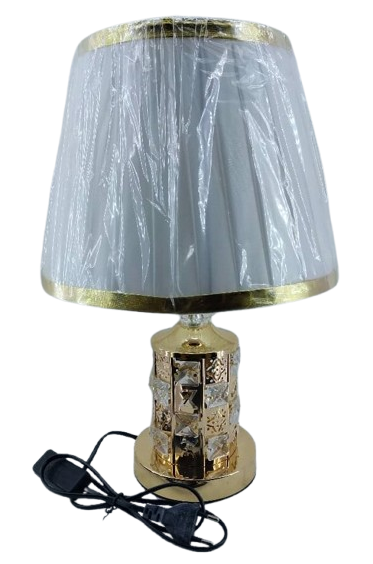
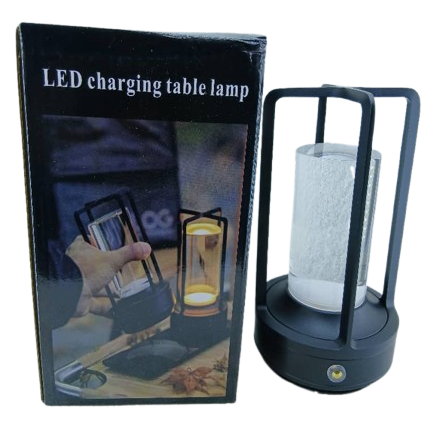
Desk lamp
1 Must haveCeiling bulbs throw shadows on your desk and make evening work tiring for your eyes.
How to use it: Put the lamp on the side opposite your writing hand. A rechargeable lamp keeps working in an outage.
Daylight bulb
1 or 2Nice to haveA bright, white bulb in the work room helps you stay alert on gray rainy season days.
How to use it: Use a warmer light in the bedroom so the evenings still feel restful.
Water bottle
1 Must haveIt is easy to forget to drink water when you are deep in work.
How to use it: Keep a 1 litre bottle on the desk and finish it twice a day.
Coffee mug or flask
1Nice to haveFewer trips to the kitchen means fewer distractions.
How to use it: A flask keeps tea hot all morning.
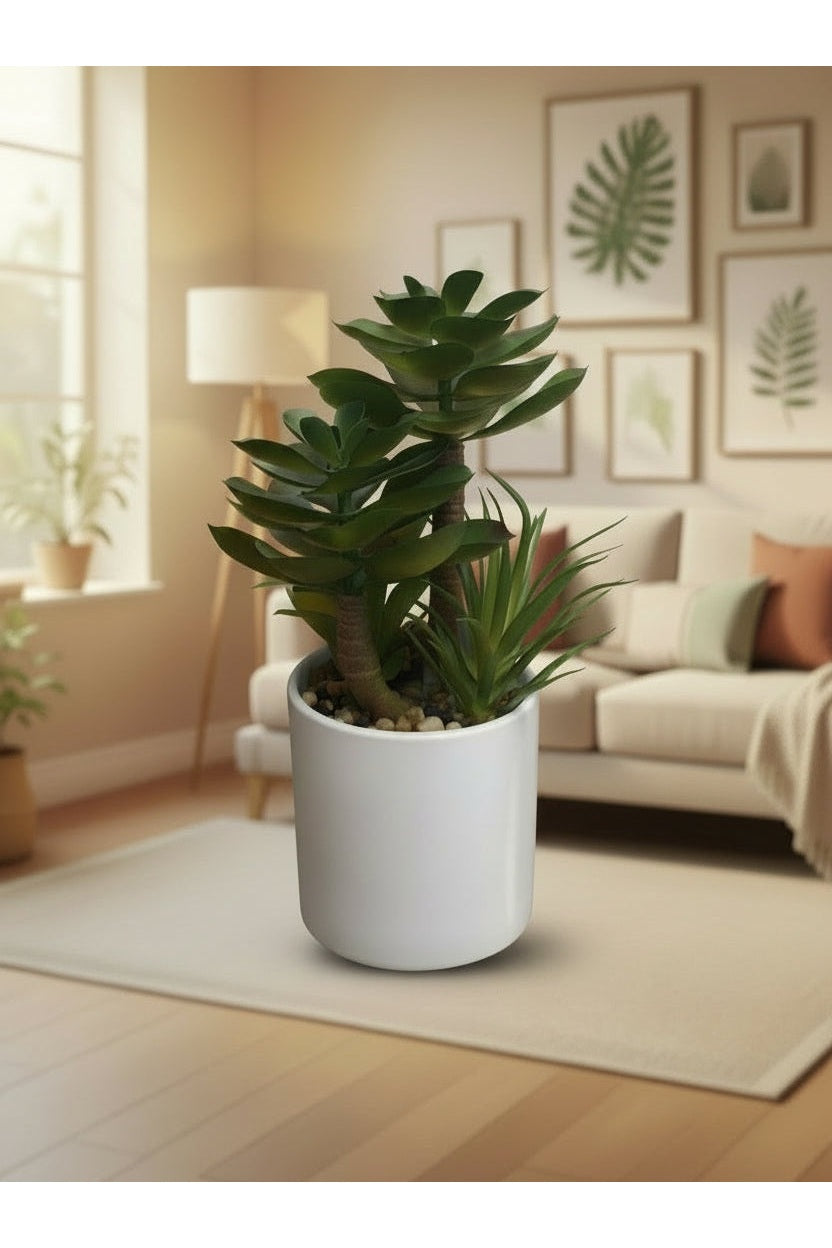
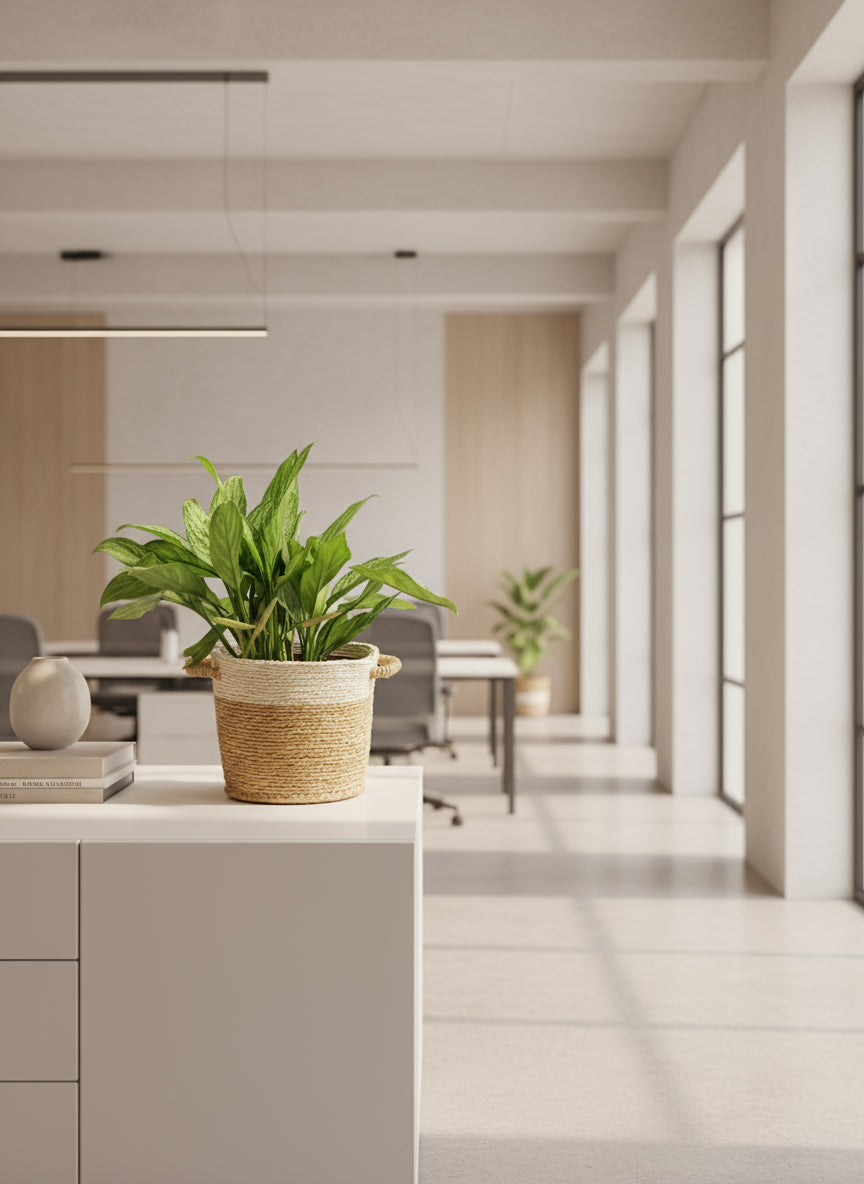
A small plant
1Nice to haveA bit of green on the desk makes the space feel calmer.
How to use it: Pick an easy plant that tolerates indirect light, or an artificial one.









Stationery and organizing
Even digital work needs paper sometimes, and a tidy desk helps you focus.
Notebook
2 Must haveFor to do lists, call notes and ideas that do not belong on a screen.
How to use it: One notebook for the day's tasks keeps your mind clear.
Pens
1 pack Must haveYou will lose them, so buy a pack.
How to use it: Keep them in a cup or jar on the desk.
Sticky notes
1 packNice to haveQuick reminders on the edge of your screen or wall.
How to use it: Use one color for urgent tasks.
Highlighter
2Nice to haveReviewing contracts, printouts and study notes.
How to use it: Two colors are enough: one for action, one for information.
Stapler
1Nice to haveReceipts, invoices and printed documents.
How to use it: A small one fits in the desk drawer.
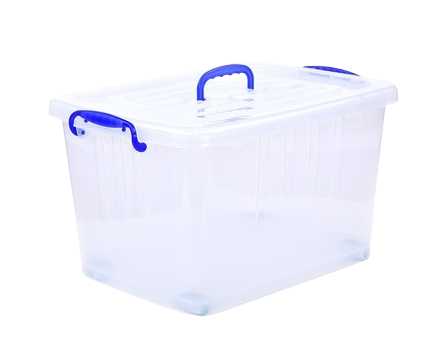
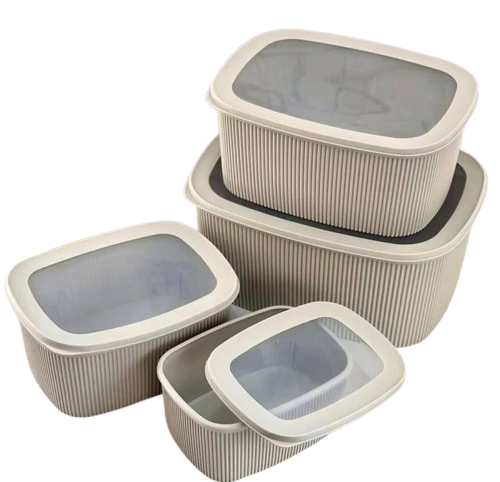
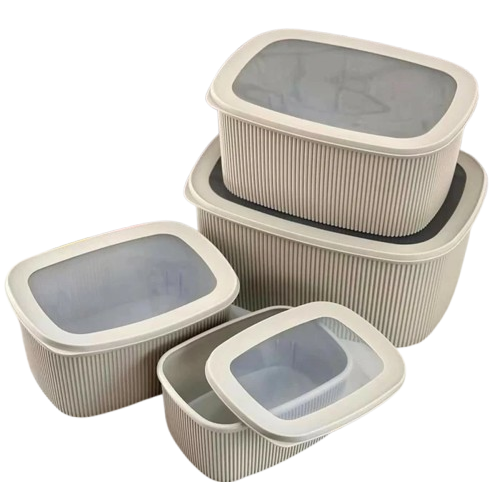
Storage box or basket
1 or 2Nice to haveCables, chargers and papers pile up on the desk.
How to use it: One box for cables and one for papers keeps the desk clear at the end of the day.
Calculator
1Nice to haveInvoices, budgets and quick math without switching windows.
How to use it: A simple desk calculator is enough for most work.







Step by step
- 1
Pick your spot
Choose a quiet corner near a window and a socket, away from the TV and the kitchen. Test your phone signal there.
- 2
Sort power and internet
Set up the router, the UPS and the extension. Run a test video call from the spot.
- 3
Set up the desk
Place the desk, chair and laptop stand. Adjust the height so your elbows, wrists and eyes are comfortable.
- 4
Add light and storage
Add the lamp, a storage box and your stationery. Run cables along the wall and keep them off the floor.
- 5
Set house rules
Agree with family when you are working and when you are free. A closed door or headphones on can mean do not disturb.
Tips that help
- Keep your router and laptop charger on the UPS, and charge the power bank every evening.
- Load your Cash Power meter before it runs low, not during a meeting.
- Face a window from the side, not from behind. Light behind you makes you a dark shape on video calls.
- Stand up and walk for five minutes every hour. Your back and focus will thank you.
- Keep a backup plan for long outages, such as a nearby cafe or coworking space with a generator.
- Close the laptop and leave the desk at the end of the day so home still feels like home.
Mistakes to avoid
- Working from the bed or sofa for weeks, then wondering why your back hurts.
- Having only one internet connection and no backup.
- Plugging a kettle or heater into the UPS.
- Buying a cheap chair first and a good one six months later.
Questions people ask
What do I need to work from home in Kigali?+
A desk, a supportive chair, a laptop stand with a keyboard and mouse, a reliable internet connection with a backup, and backup power such as a UPS and power bank. Add a lamp, headphones and basic stationery.
How do I keep working during power cuts?+
Plug your router and laptop into a UPS so they stay on through short cuts. Keep a charged power bank to run your phone hotspot, and work offline when needed. For long outages, plan a nearby place with backup power.
Is a 4G router good enough for video calls?+
In most Kigali neighborhoods, yes, if you place it near a window with a good signal. Test calls at different times of day, and keep phone data on a different network as backup.
How do I set up a home office in a small apartment?+
Use a corner with a small desk, a wall shelf above for storage and a chair that fits under the desk. A laptop stand and wireless keyboard keep the desk clear, and a storage box hides cables and papers.
How do I avoid back pain working from home?+
Raise your screen to eye level, use a chair with lower back support, keep your feet flat and your elbows at about 90 degrees. Take short walking breaks every hour.
The best home office is the one that lets you forget about your setup and focus on your work. Solve power and internet first, then make it comfortable. Shop this home office checklist on Isokko and have it delivered to your door in Kigali.
Shop this list
Get everything delivered in Kigali
Order from local stores on Isokko and pay with MoMo, card or cash. Same-day delivery.